Overview
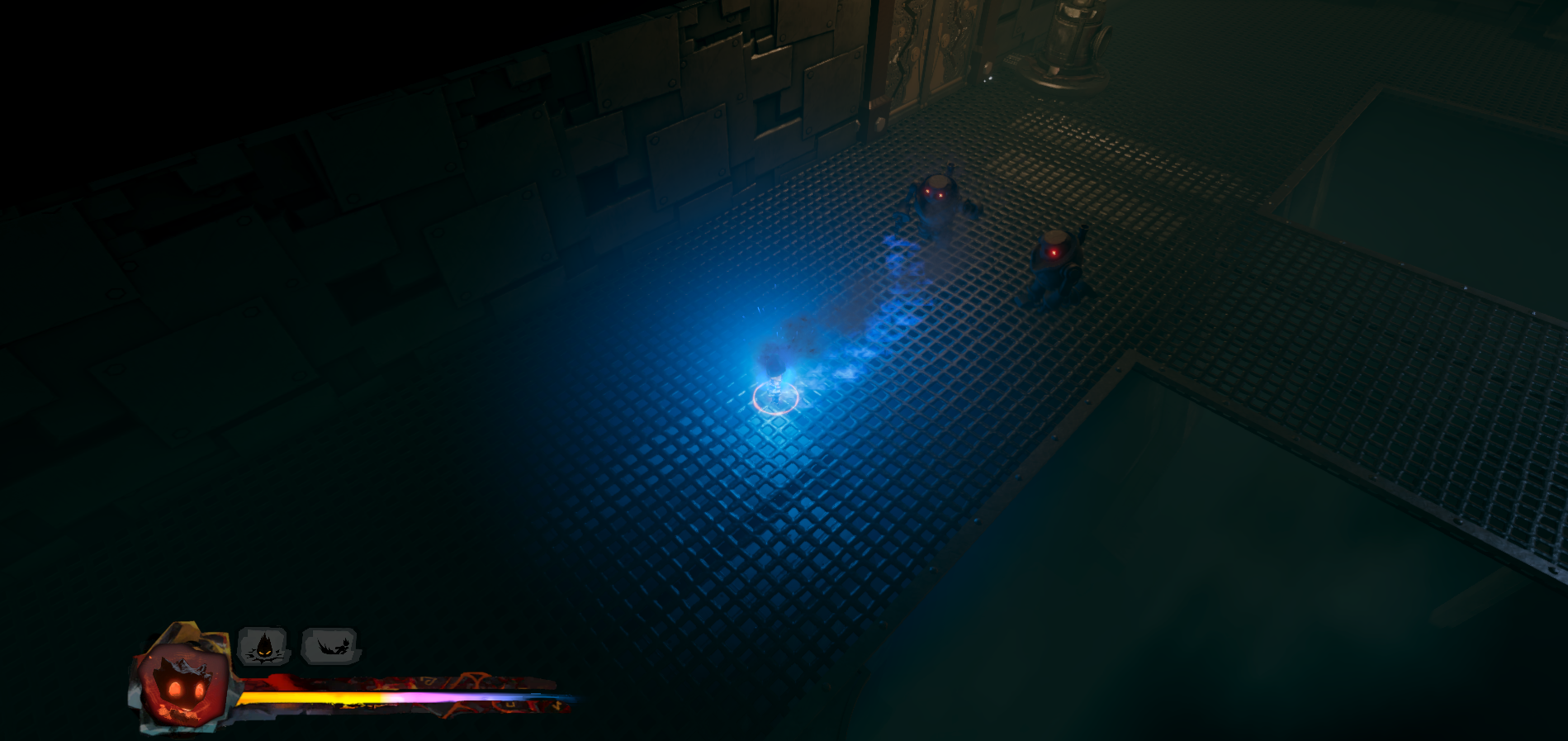
Final Blaze is an atmospheric action platformer built around a dynamic shift between 3D and 2D movement sections. Set inside a large, industrial foundry, the game blends combat with environmental puzzles and encourages exploration through its layered level design and moody art direction.
This was our third project at PSQ, made by one of the smaller teams we've had — 10 people in total, with 3 programmers, 2 designers, and the rest being artists. The smaller scope pushed us to be deliberate about what we built and how we built it.
My Contribution
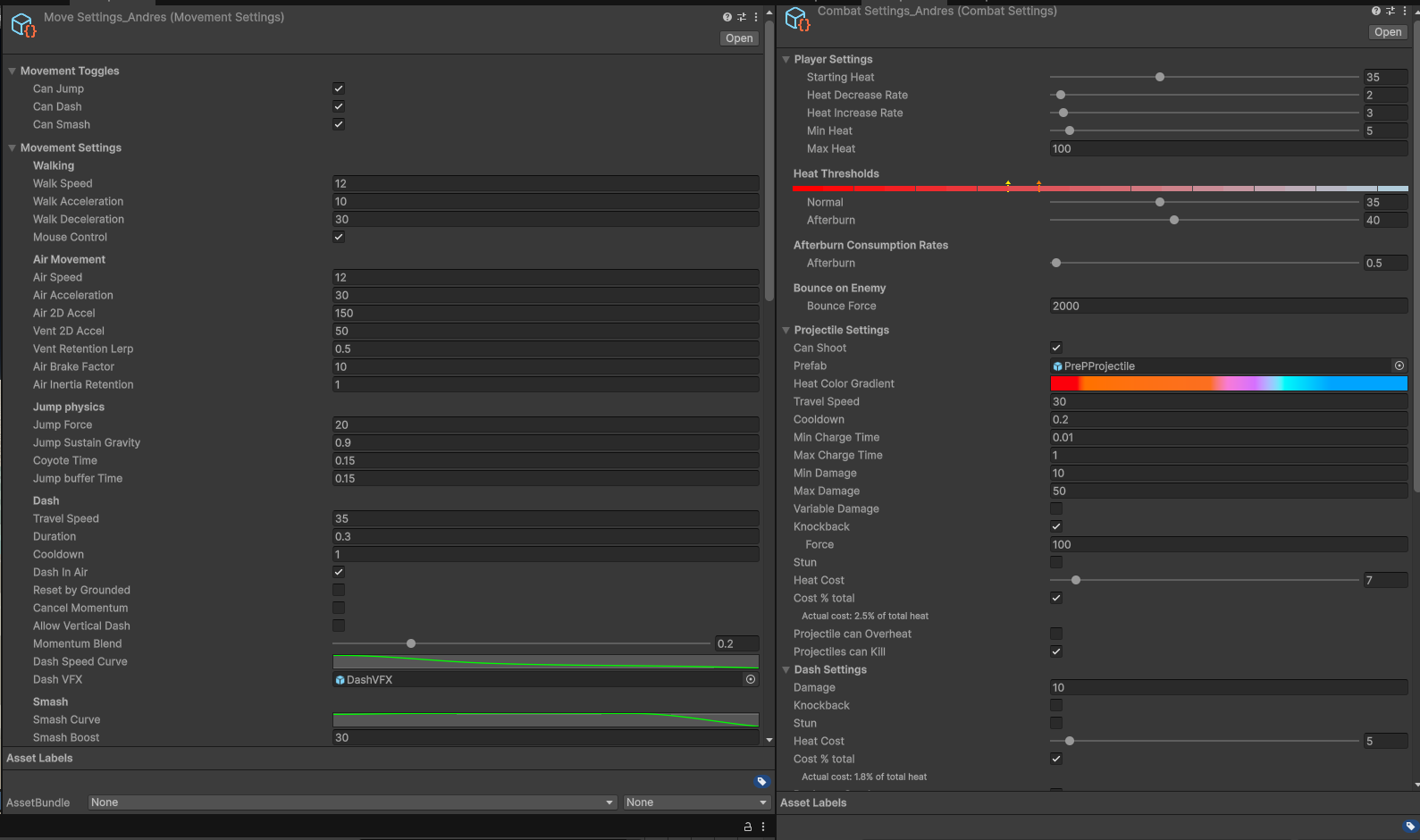
My primary responsibility was the player character, with how combat abilties and mechaics work. The player works of a heat system that acts as both the health and as a resource for the various combat mechanics. Performing well and killing enemies gives you heat, adding more strength and a different color to yourself.
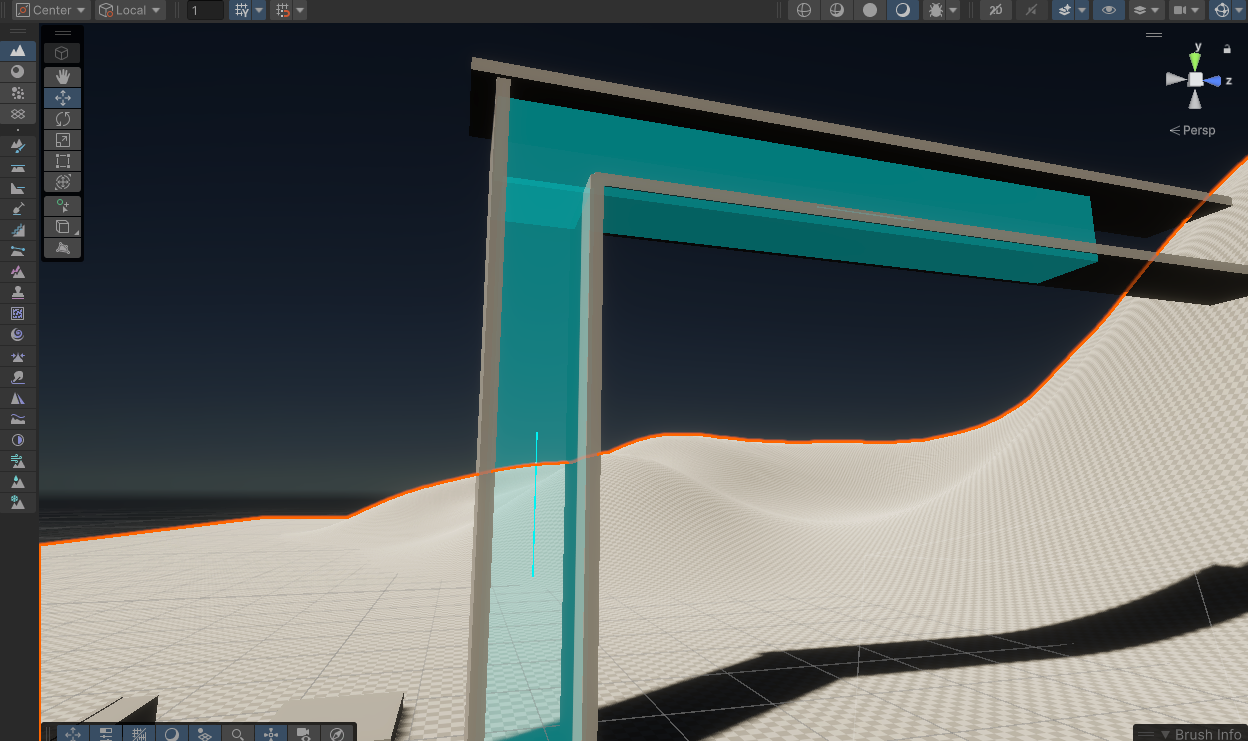
The transition system between 2D and 3D, then also how they handled was under my responsbility aswell. Both modes had significantly different behaviours, so a large part of the work was making shared systems — like moving platforms and wind pipes — behave consistently and correctly across both states.
I also handled sound implementation — building a system of audio source objects that designers could place freely in the world without needing programmer involvement, keeping the workflow relatively clean.
UI naviation and implementation of the animation logic was something I handled to. The animation side ended up in a solid place — a well-structured state tree that used my built in hooks from my acitivty system, and to trigger enter and active animation states separately without much cluter.
Some features I built
The combat system was set up with the intentionally of being gradually unlocked as you progressed through the game, using them both as as means for traversing but also combat. Each ability has a cost assosticated too it, represented as heat, which is also your hitpoints. Performing well means you earn more heat in combat, becoming temporarily stronger.
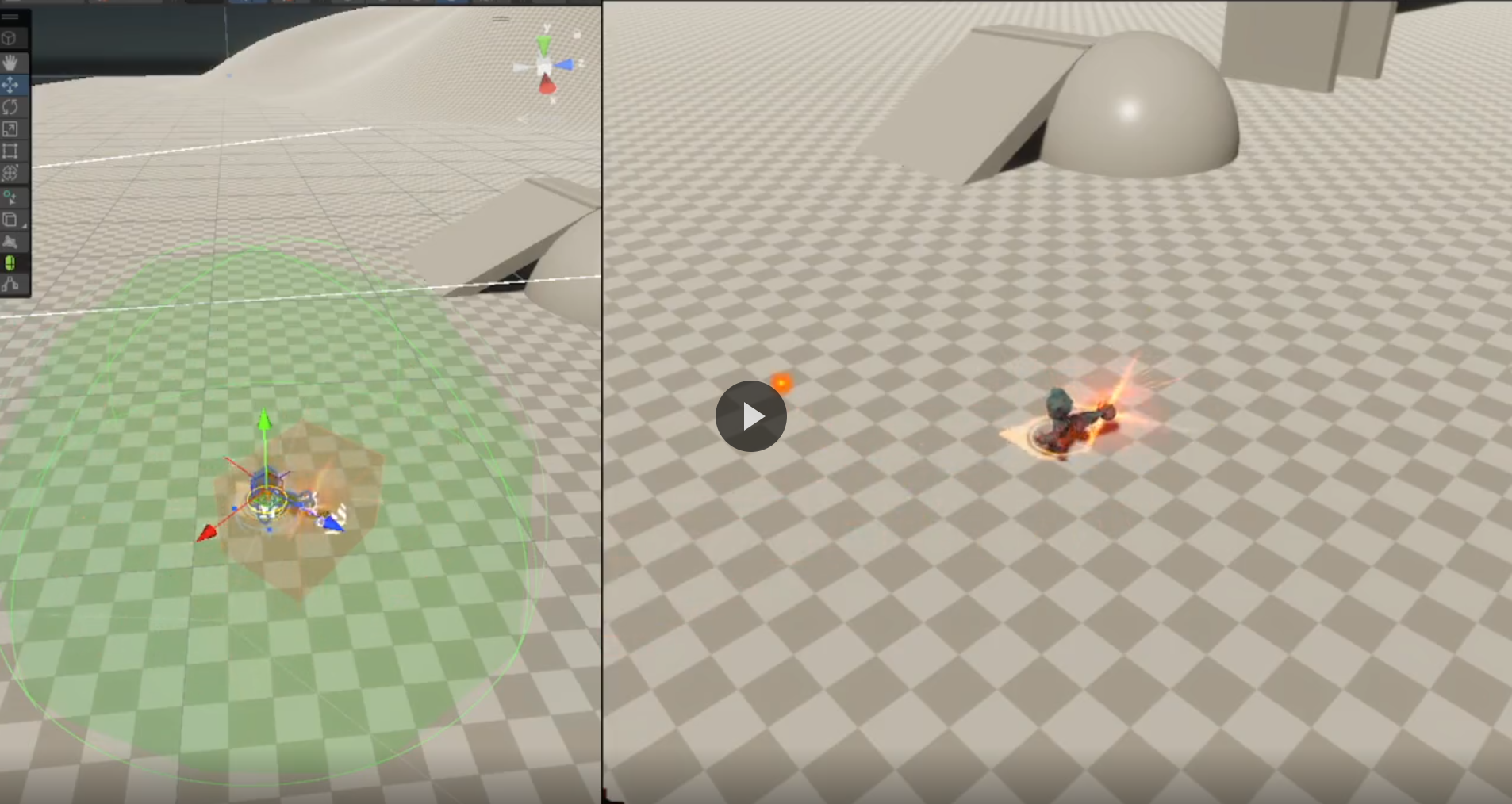
Dashing consit 2 parts, a seperate hitobx that runs for collision during the dash duration. Secondly when the dash is engaged and the acitivty for dash has started, we send the player forward with reduced controll over a certain speed and duration, which follows an animation graph for the feel of the duration. This allows us to change it to be a sharp instant speed that tappers of, or a consitent speed during the whole duration.
Smashing works similar to dashing, but instead of running a consant hitobx during the duration, we send out a sphereCast upon contact with the floor that calls for the same events that the dash does damage too.
Shooting works in that we're spawning a prefab of a projectile, that on start and creation, obtains the information from the player, such as charge duration and heat levels, which upon release gets set as variables for that one induvidual projectile. The chost of a charged ability significantly decreases heat, at at max charge causes an AOE explosion.
 Showcase
Some of the combat in action
Showcase
Some of the combat in action
 Dashing and smashing
Both abilties in a debug enviorment
Dashing and smashing
Both abilties in a debug enviorment
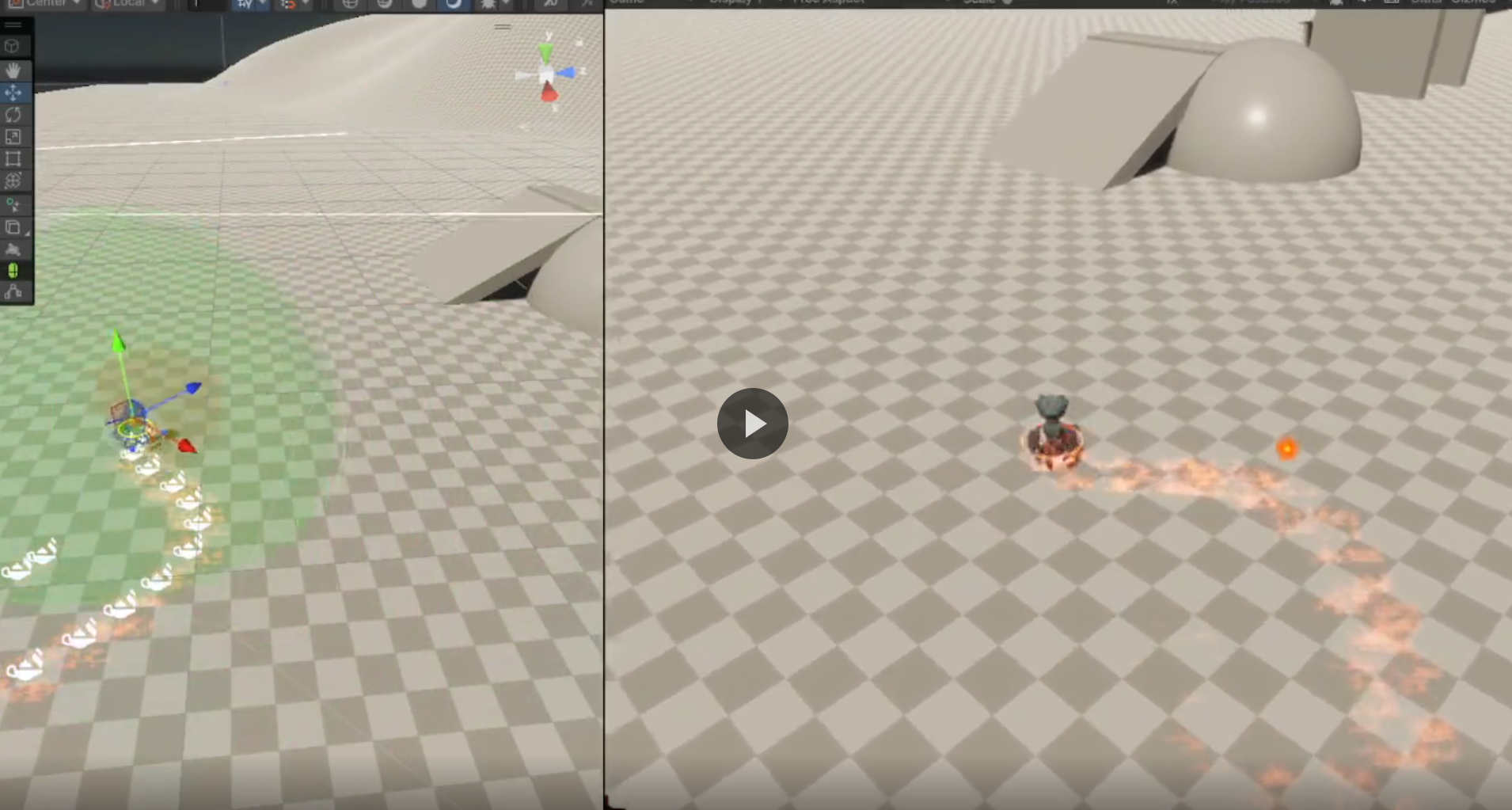 Shooting
 in a debug enviorment
Shooting
Shooting in a debug enviorment
Describe how direction is sampled — is it from the input vector, camera forward, or a blend? What happens when no directional input is held?
Explain the cooldown and recovery system. Is it a single charge, multiple charges, or a timed reset? How does it communicate state to the player?
What makes the momentum handoff feel good? How does it chain into a slide or wall run? Any edge cases around mid-air dashes or overlapping abilities?
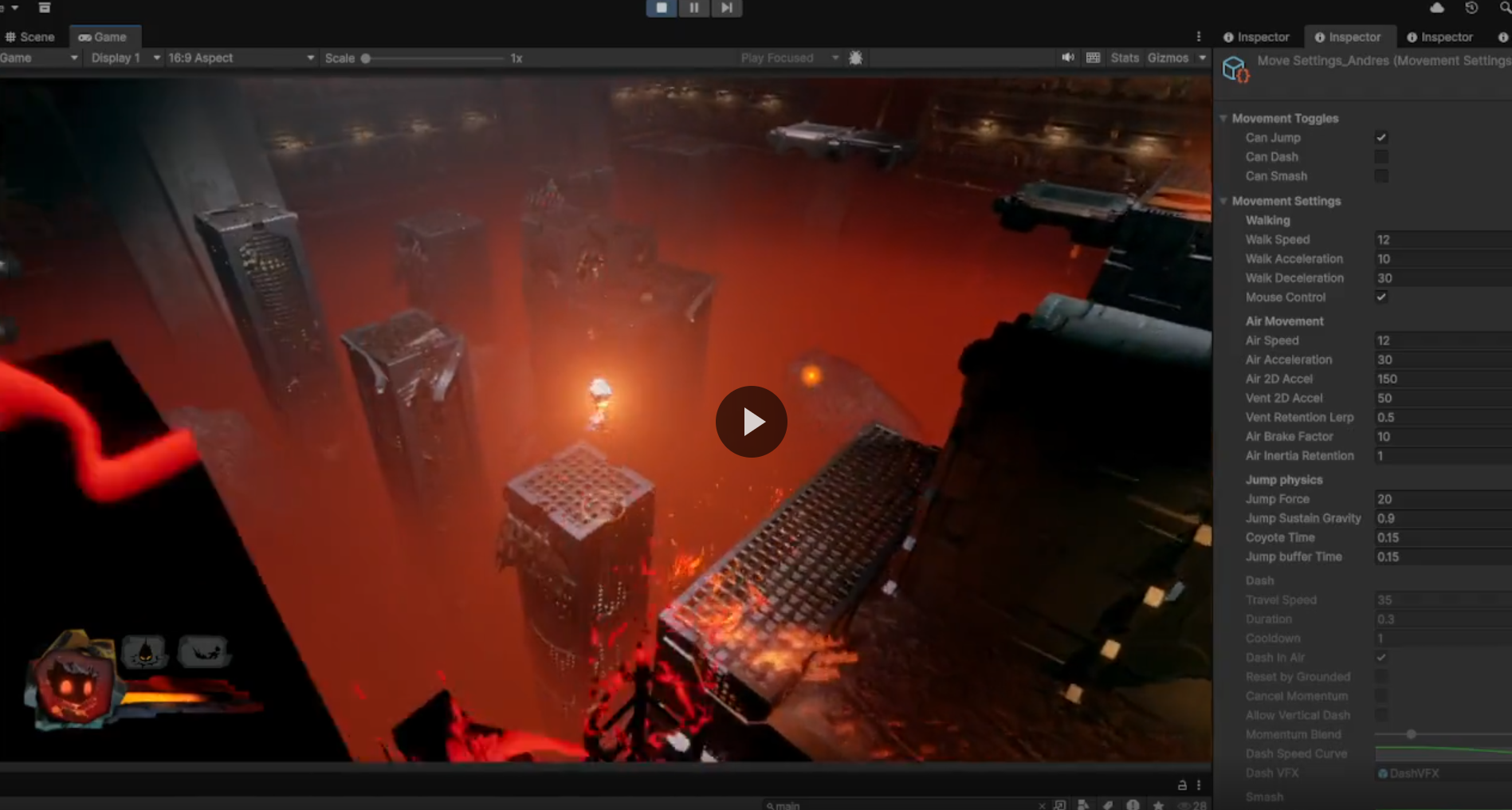 3D Movement
 in a small showcase
3D Movement
3D Movement in a small showcase
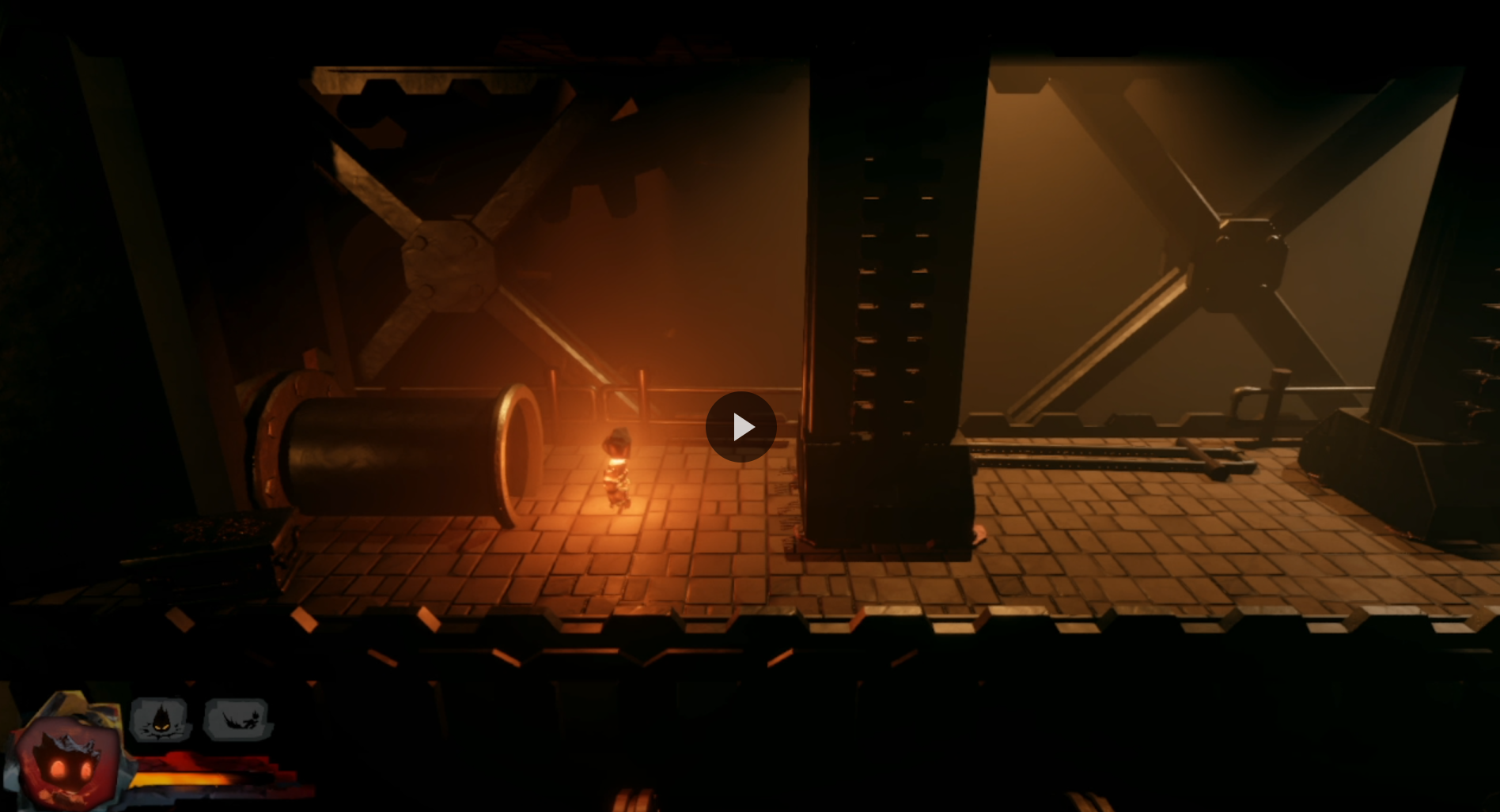 2D Movement
 in a small showcase
2D Movement
2D Movement in a small showcase
While the actual animations and the tree themselves are not exactly difficulty, it's more that it's picking up a skill of learning how to do it that was the biggest challenge. Between figuring out the best way to call, trigger and halt animations. The result works relatively well!
The main part is that most of the animations uses IK and blending between each animations, which the Unity animator handled pretty well. And by directly calling a specific state, we can have better control over when and what actually moves, especially after setting each animation to trigger only specific parts with the avatar mask.
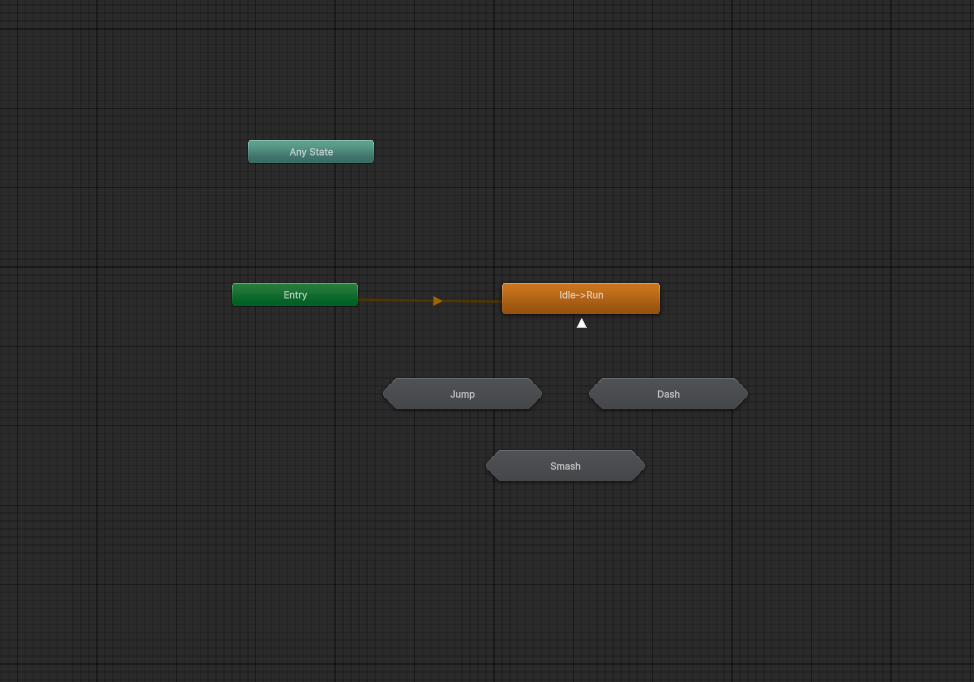 Movement Anim Tree
A small showcase of it.
Movement Anim Tree
A small showcase of it.
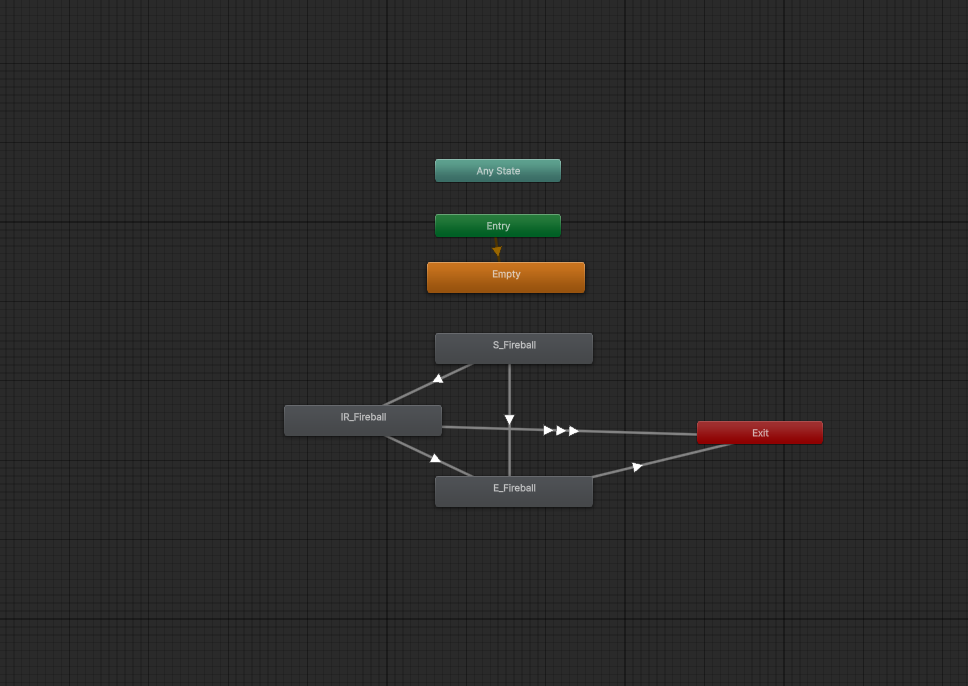 Shooting Tree
The simple shooting tree
Shooting Tree
The simple shooting tree
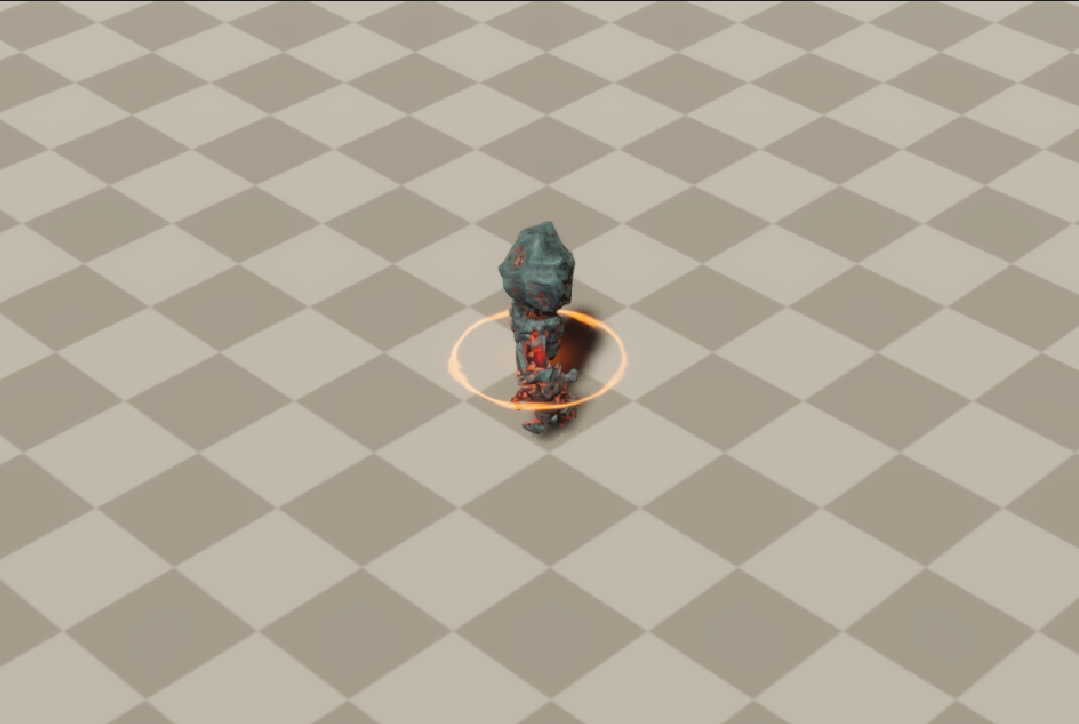 Anim Showcase
Closer look on the anims
Anim Showcase
Closer look on the anims
Media