Overview
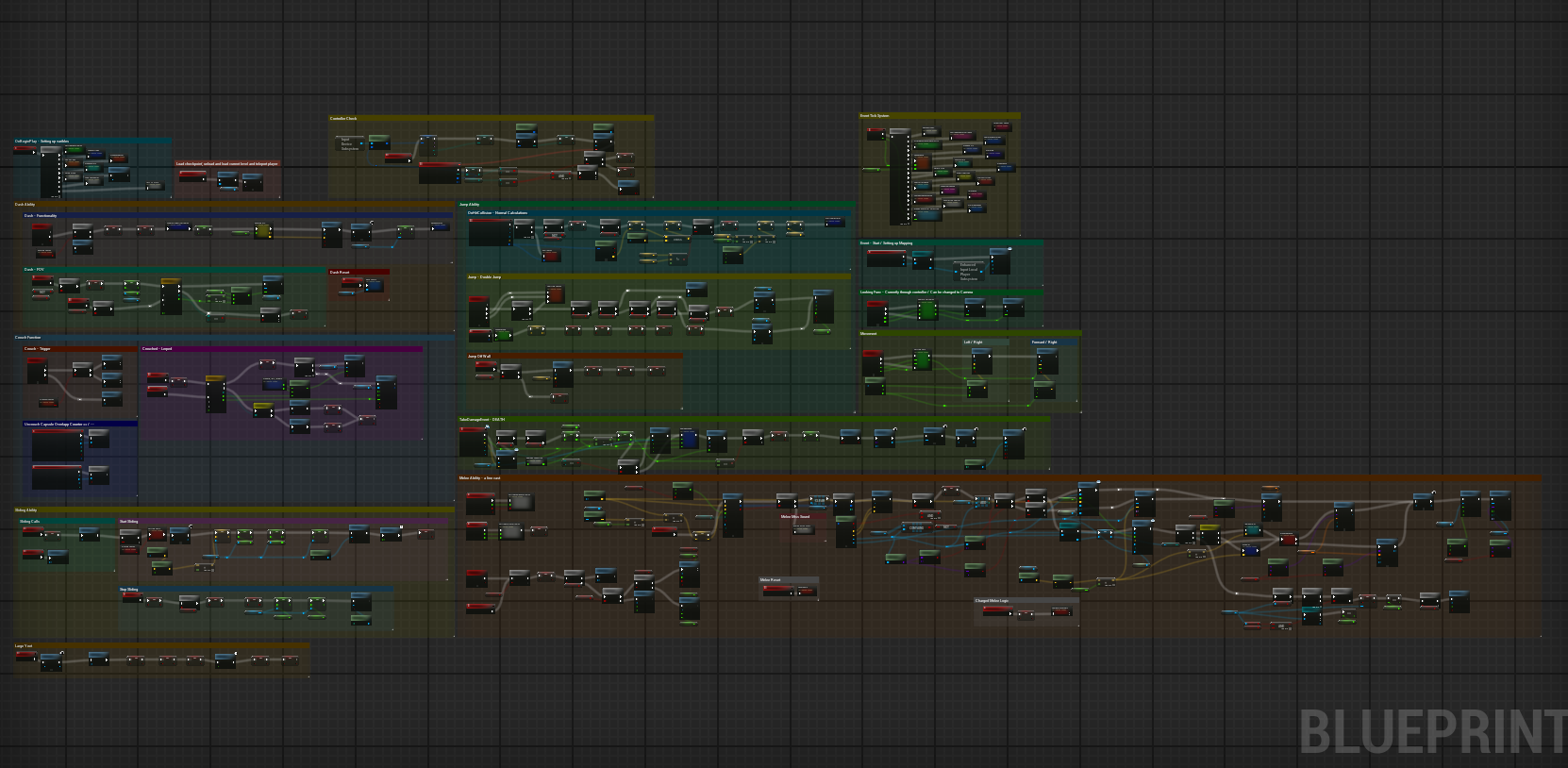
Technomania was designed to be a chaotic looter shooter built around a unique healing mechanic — picking up a new gun restored your health. Each weapon had randomised stats affecting how it fired and how it looked, keeping gameplay unpredictable. My involvement was building the character controller, ensuring the weapon system interacted correctly with the player, and making sure animations played back as intended.
This was our second project at PSQ, made by a team of 18 people. The project had two hard requirements: it had to run on PS5, and we had to use Unreal Engine. I chose to implement the player character entirely in Blueprints for this project.
My Contribution
I built the entirety of the player character — everything from basic movement and air control, to crouching, sliding, dashing, wall jumping, vaulting, and melee. I also wrote the full animation blueprint for the player controller and tied it together with the melee system and state machine to achieve the final result.
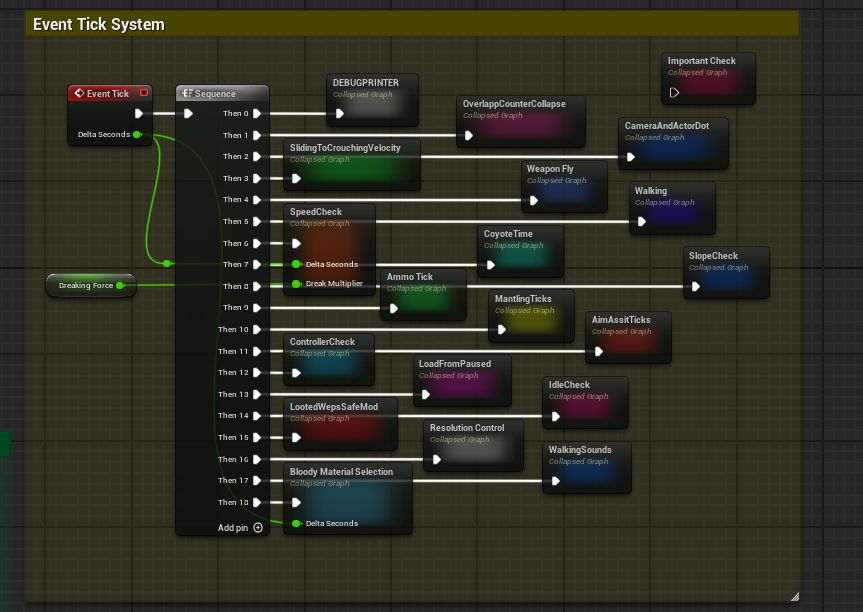
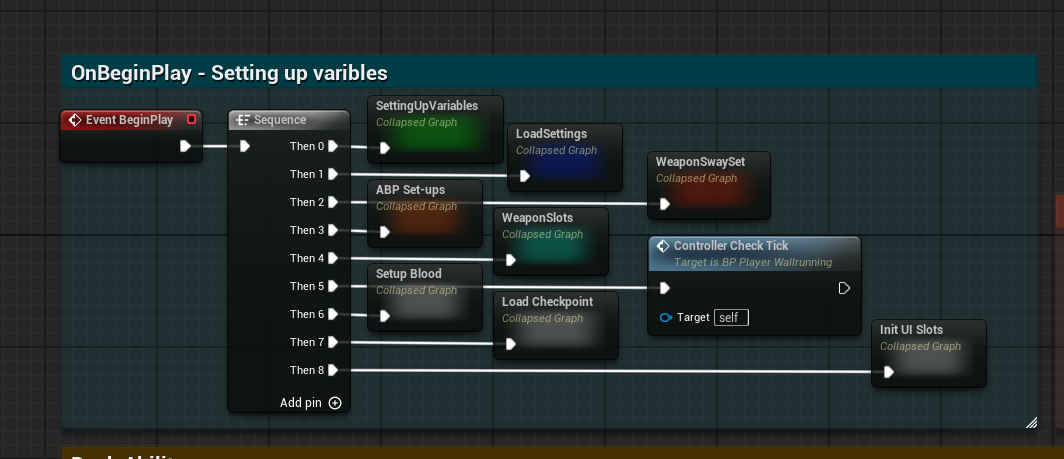
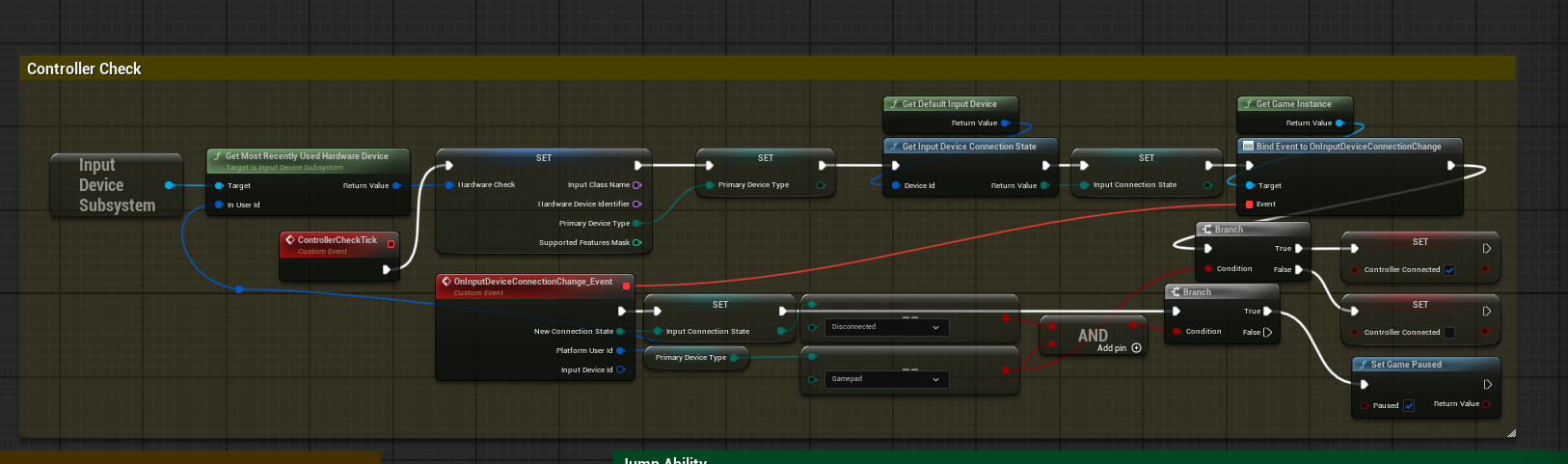
The player handles a lot of responsibilities, running multiple event ticks and various events to calculate accurate speed and velocity at any given moment. It also features solid slope handling — momentum is correctly applied going up and down slopes in both directions, which feeds naturally into the slide system.
The character controller is a large part of why the game stays exciting. Despite some restrictive level geometry, the movement gives players enough tools to build real momentum and chain together sequences that feel dynamic and fast.
Some features I built
The melee system works on various bits of line-casts that check for the crorect objects and internal tags. With the correct enemies and objects found, we apply a directional force and launch the characters body in the apporpriate direction if manage to kill it / its inaimate and a physics object
Both the base melee attack and melee weapons use the same core event, but branch into separate logic to handle their individual timers depending on the animation being played. When the animation returns to idle, a notification event from the Animation Blueprint signals that the player can perform another attack. A manual timer also exists as a fallback in case an animation notification fails.
The Animation Blueprint is tightly integrated with the melee logic. It determines which animation state should play and selects the appropriate attack type, such as a charged melee, ground-pound melee, or a standard melee attack.
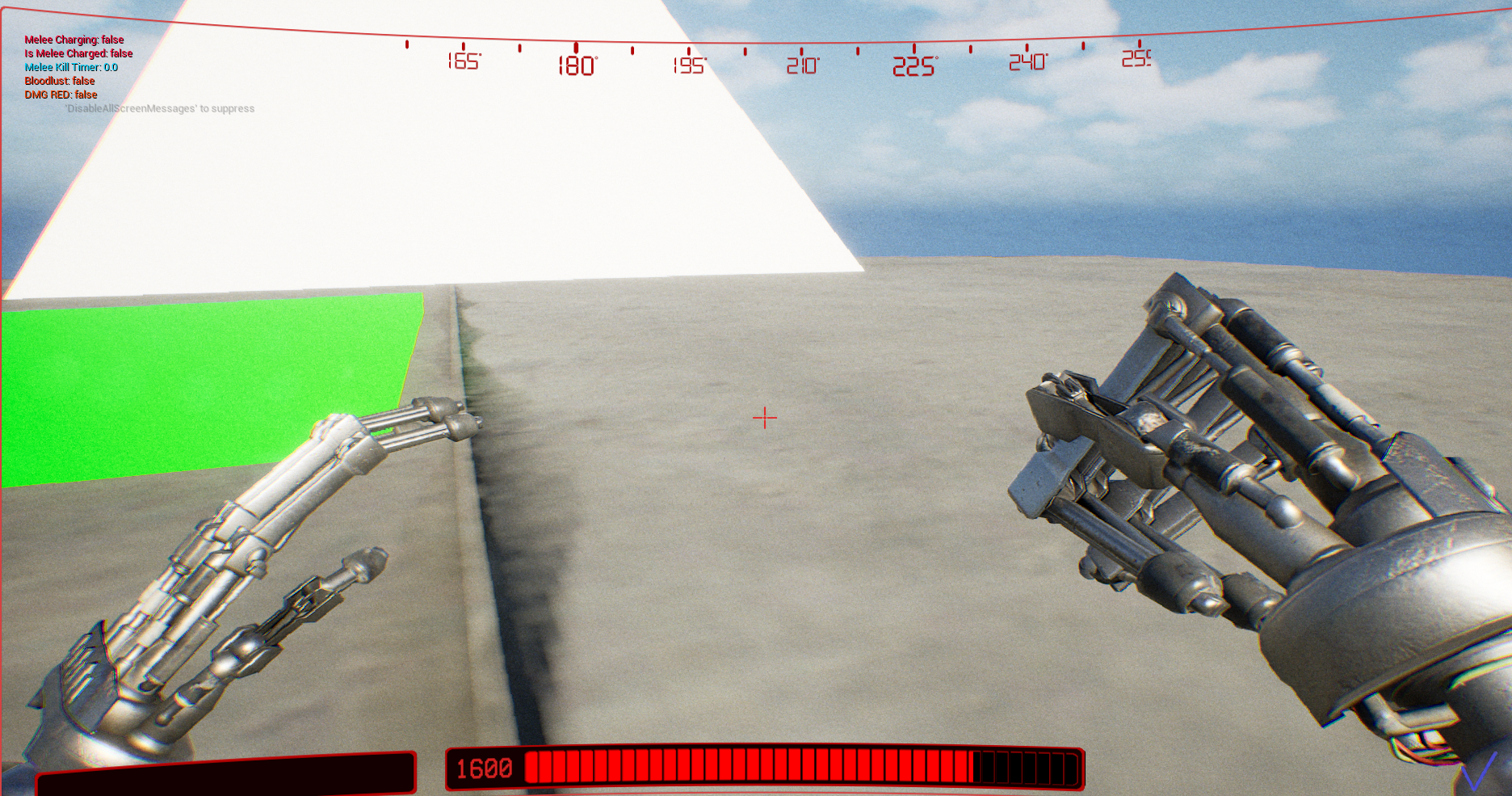 Basic Melee
Melee Spherecasts
Basic Melee
Melee Spherecasts
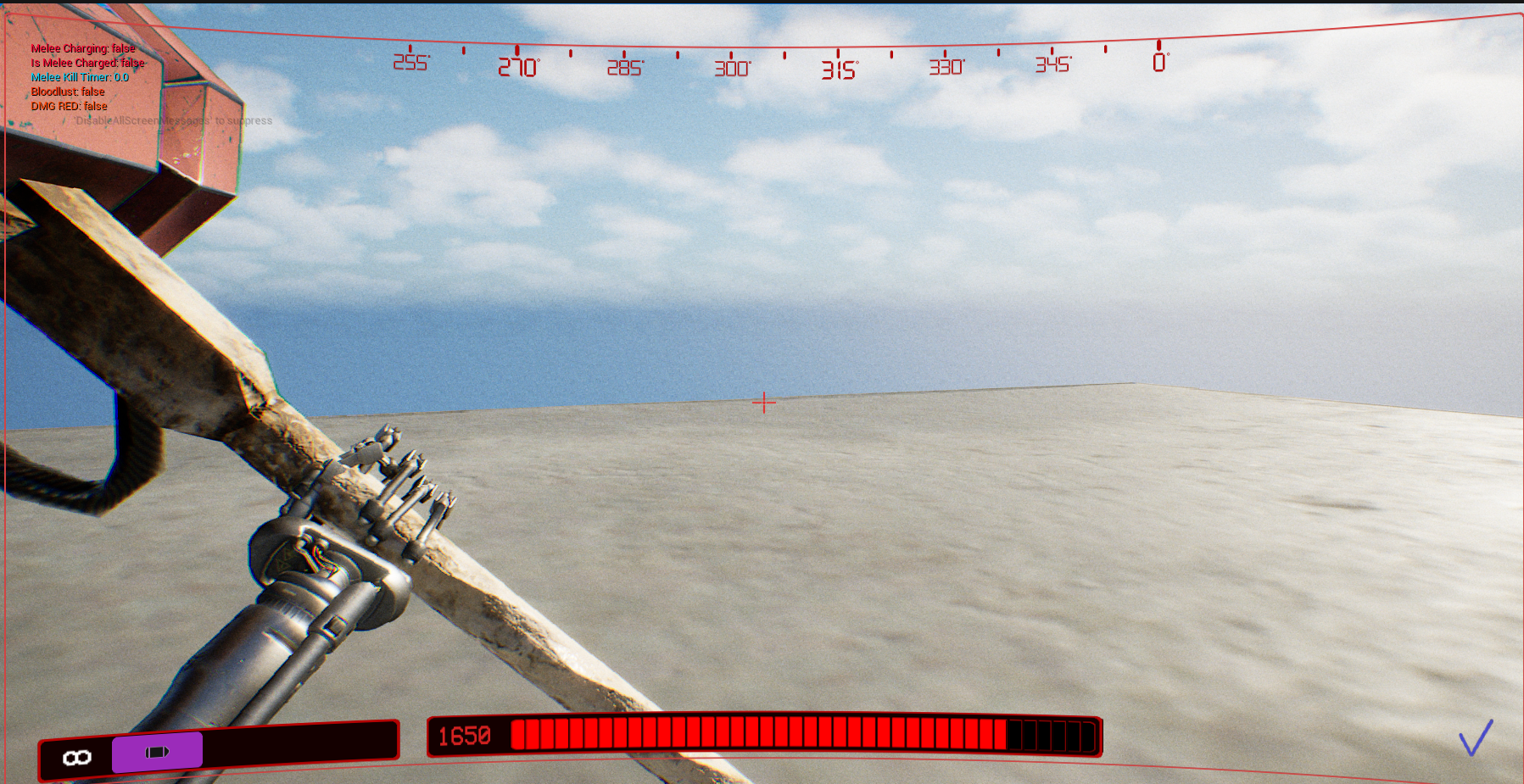 Hammer Time
Melee with weapon
Hammer Time
Melee with weapon
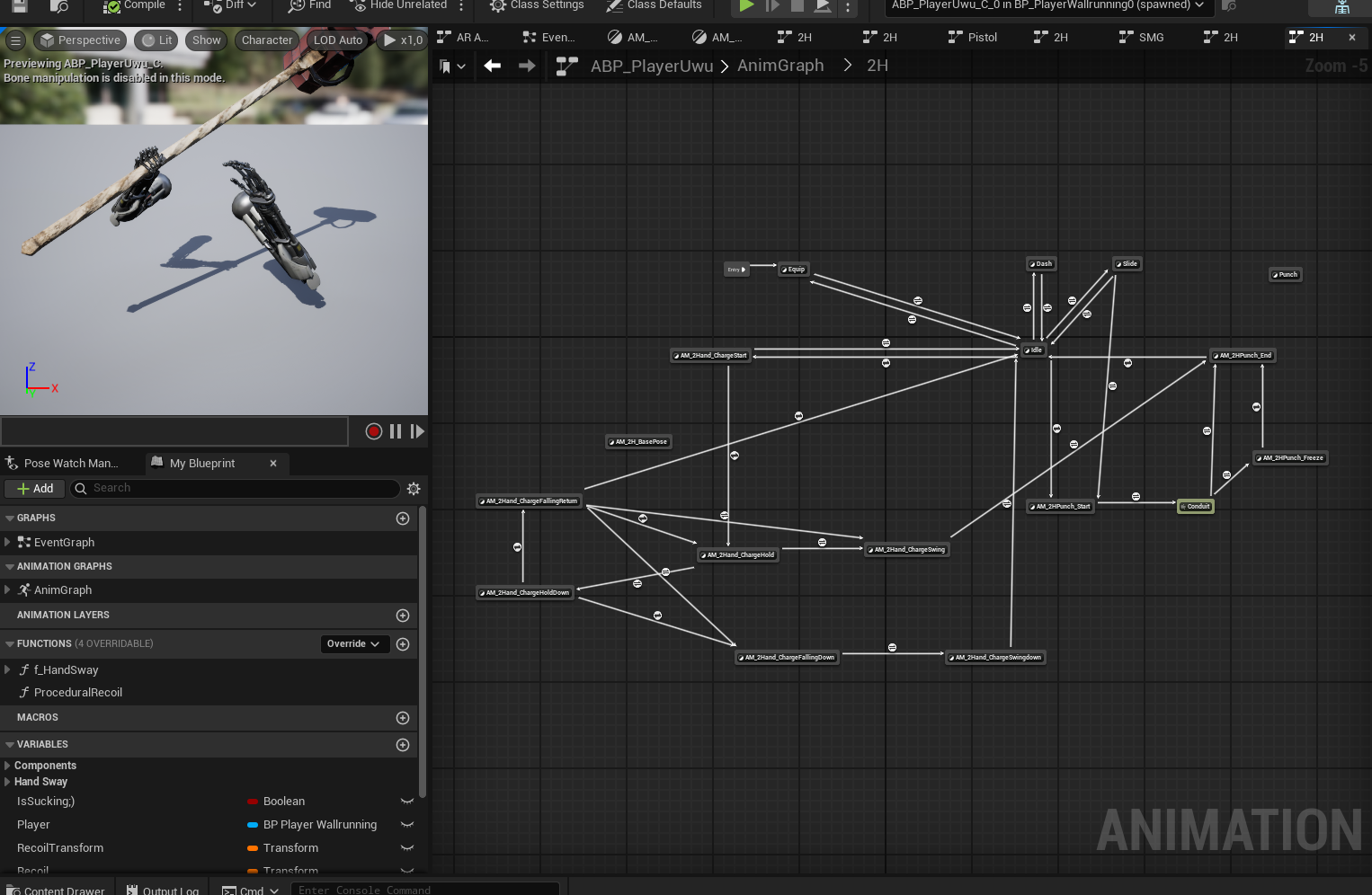 Animation Blueprint
All the states
Animation Blueprint
All the states
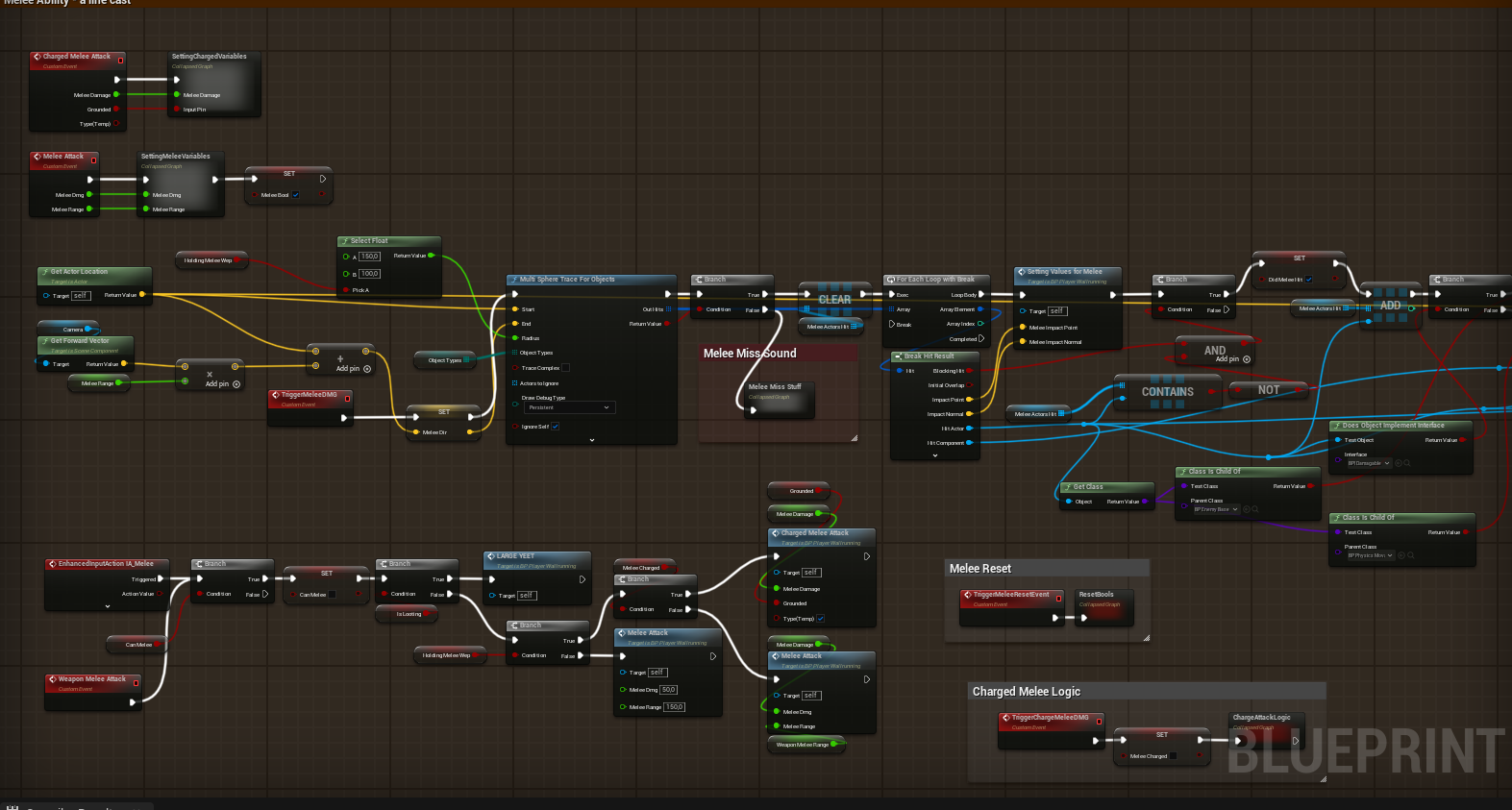 Melee Blueprint
Part 1
Melee Blueprint
Part 1
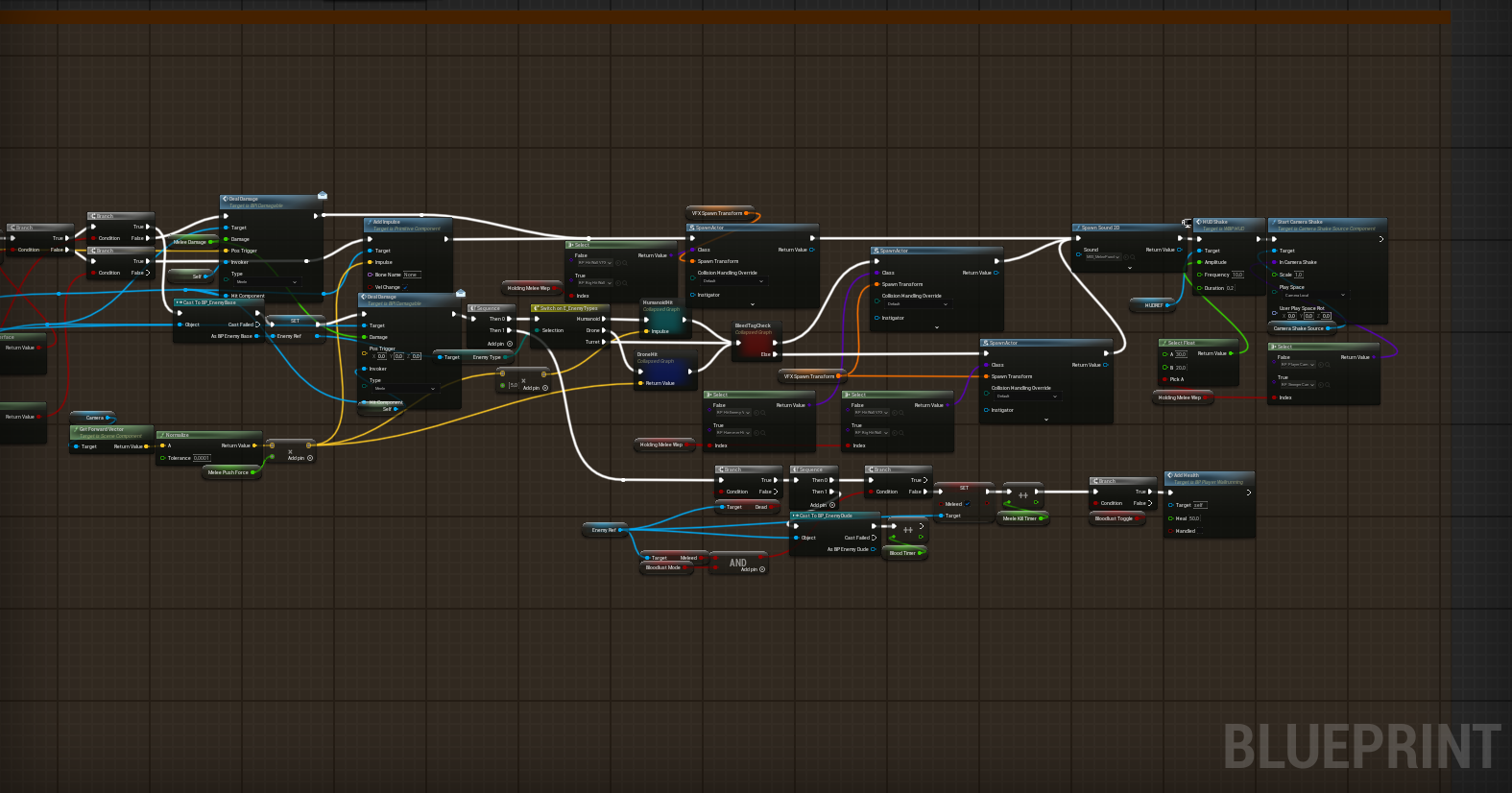 Melee Blueprint
Part 2
Melee Blueprint
Part 2
The dashing system is fairly straightforward — it samples the character's current input direction as the primary dash direction. If no input is detected, it defaults to the player's forward vector and launches them in that direction.
The player is launched at the desired direction and speed using the Launch Character node. Previously this was done by manually setting the player's velocity to a high value for a short duration, but we switched to Launch Character because it made it easy to either preserve or cancel the player's existing velocity depending on the situation.
The dash is intentionally designed as a short, tactical burst — useful for dodging and dealing collision damage, with a brief invincibility window during it. It's more of a combat tool than a full mobility option. This was a deliberate design decision to keep the player more grounded given the constraints of the level design.
Dash Showcase
Video
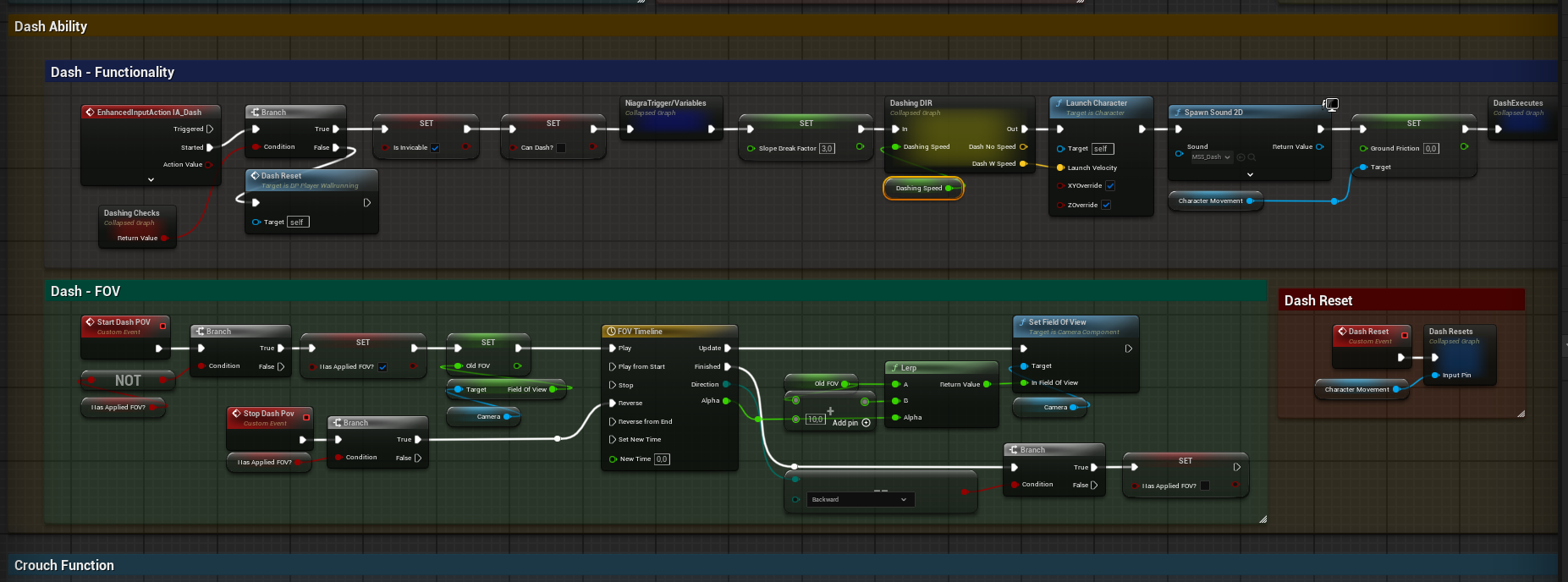 Blueprint
Dash input event
Blueprint
Dash input event
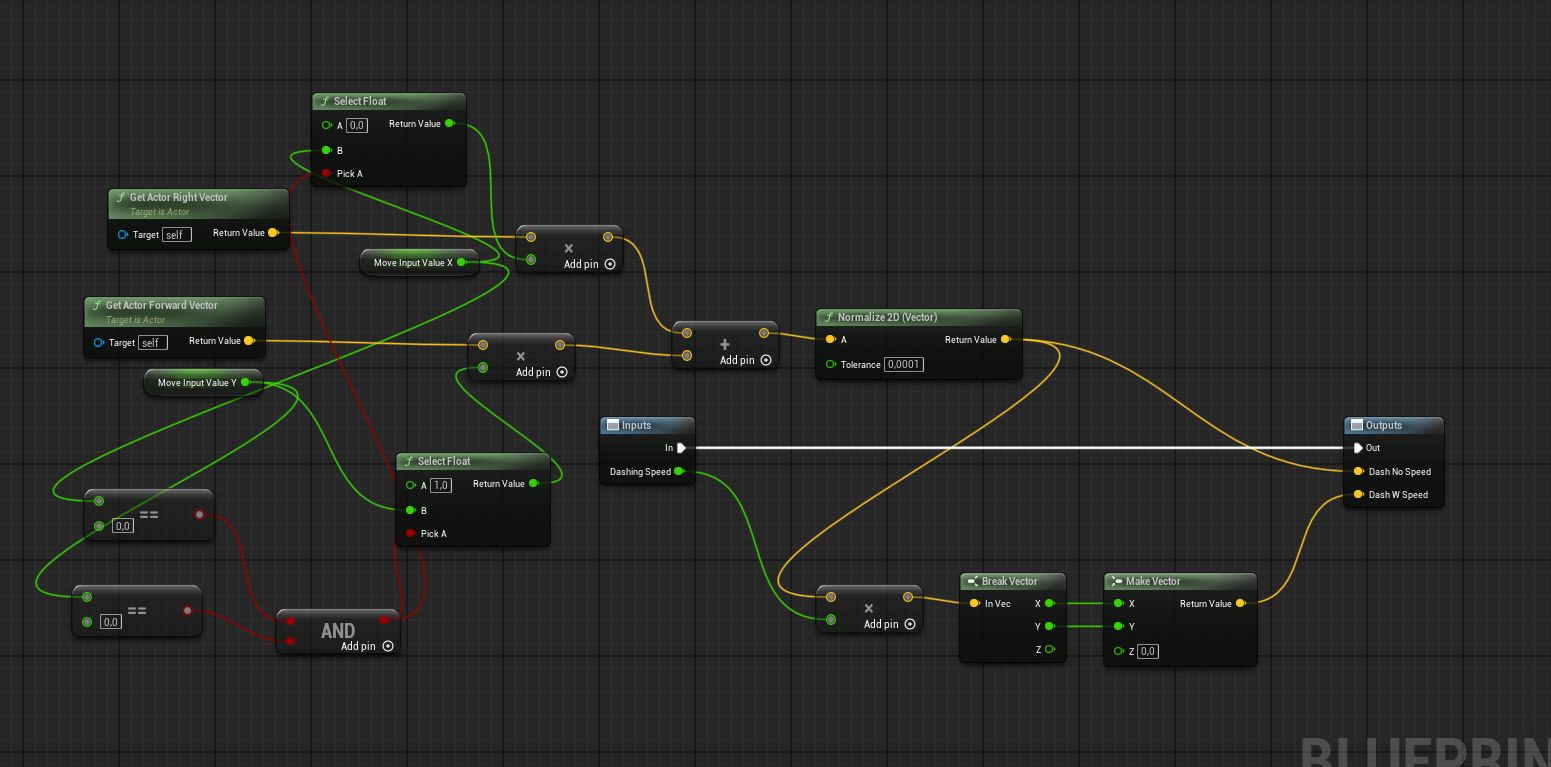 Dash Direction
Direction resolve node
Dash Direction
Direction resolve node
The jump itself uses the Launch Character node, but a handful of checks run beforehand to ensure the correct force and direction are applied — including a delay to prevent jump spamming, a ceiling check, and a grounded check.
A physical collision check also runs to detect whether the player is touching a wall. From that contact we extract the surface normal and launch the player away from it appropriately. Currently the player is always launched laterally, but the direction is easy to adjust.
TThe landed event plays a landing sound whose volume scales with the player's velocity. Vaulting is also tied to the jump input — it triggers on a held input and runs a continuous check to engage.
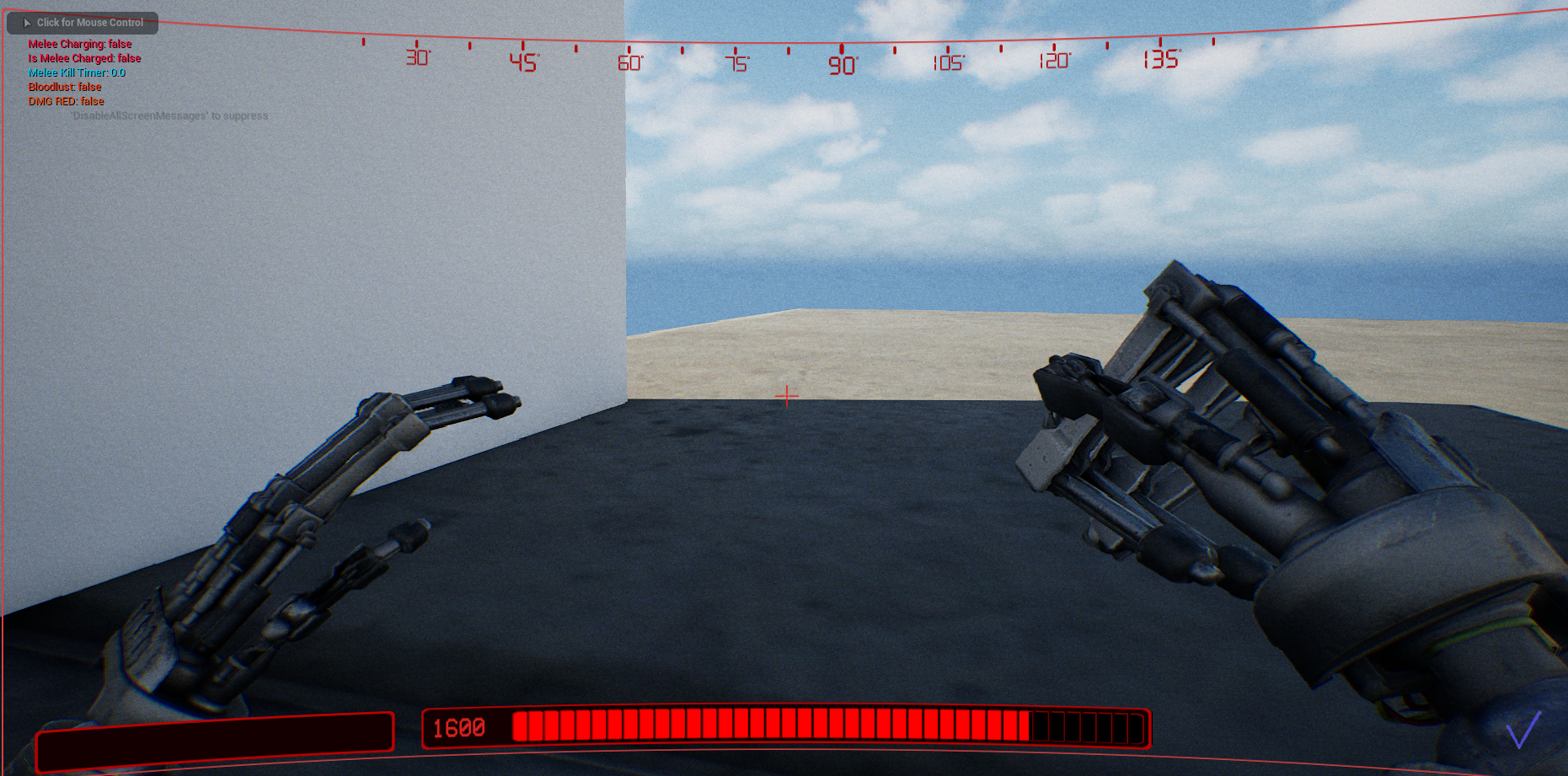 Jump showcase
Jump, doubleJump, wallJump
Jump showcase
Jump, doubleJump, wallJump
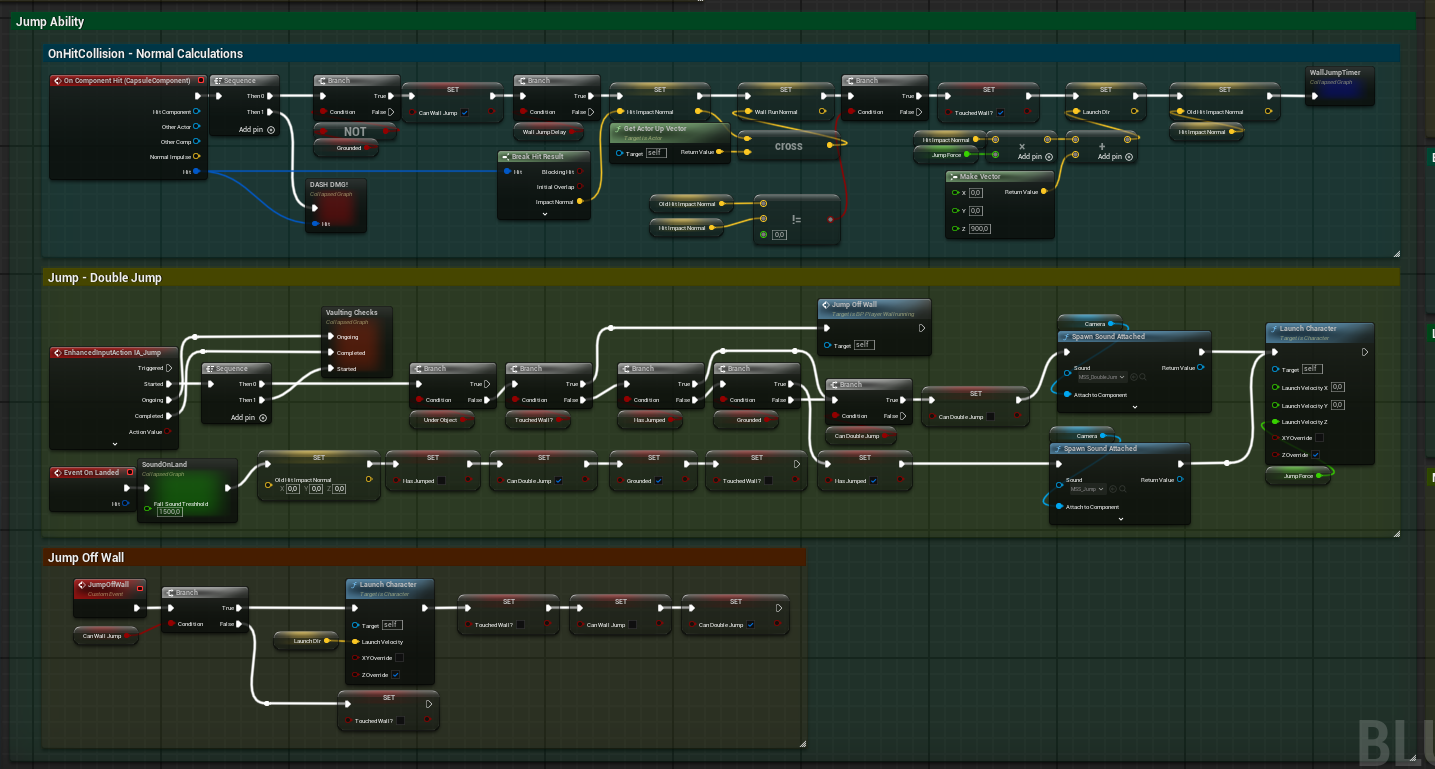 Jumping Blueprint
Blueprint
Jumping Blueprint
Blueprint
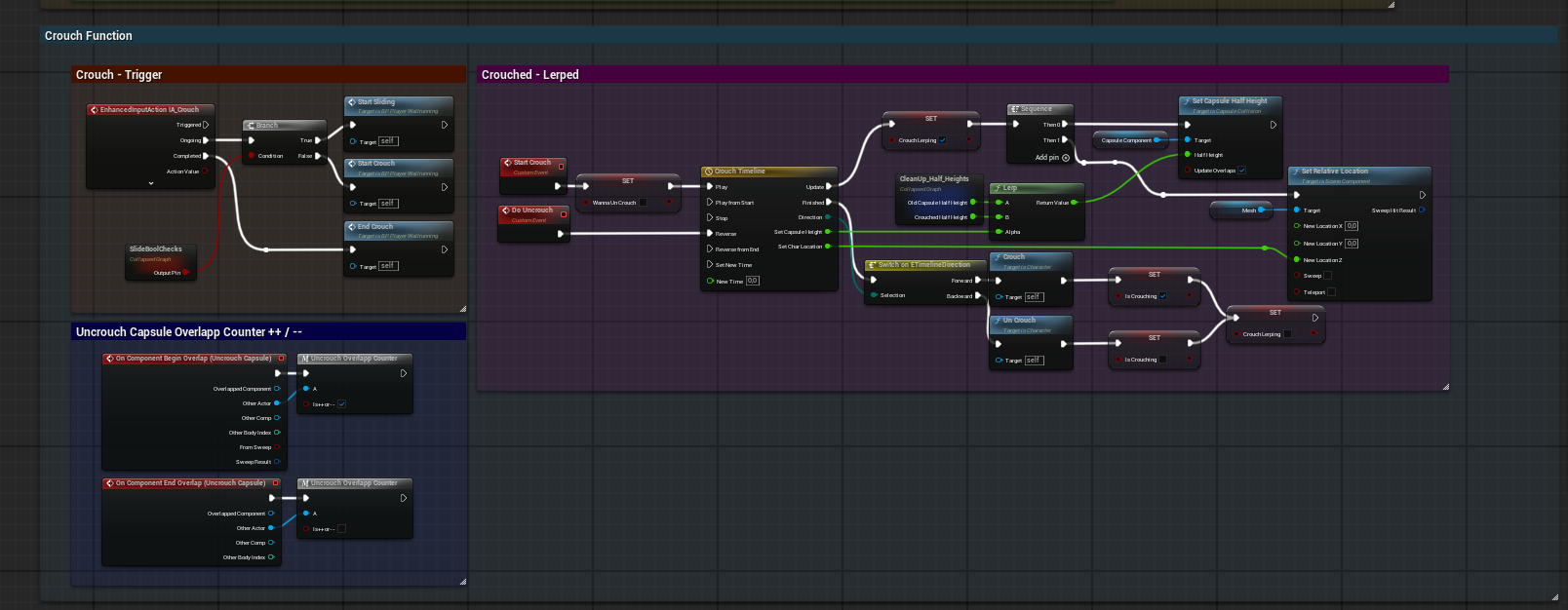
Sliding in essence isn't doing anything difficult in off itself, as it simply runs the crouching functionality, which simply sets the players capsulse to be half the height of the current player size(or whatever we set it t), and run it along a timeline for a smooth effect.
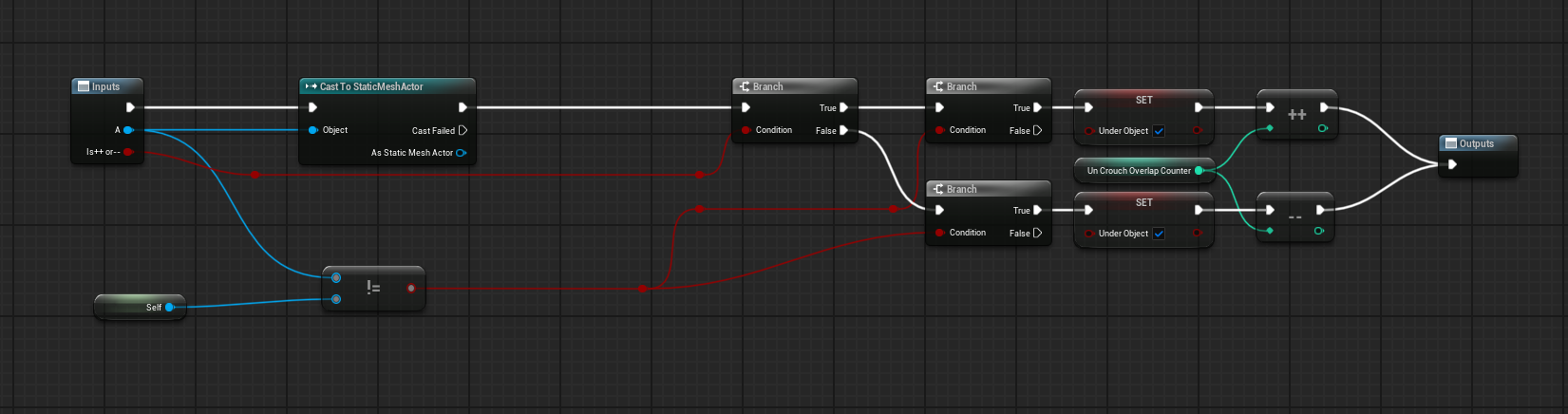
During the crouching, we check of for overlaps against a seperate capsule that increases an int counter, if its more than 0, then we cant uncrouch. If we still try and uncrouch, we are running the event but simply continue checking if we're able to, meaning we uncrouch automatically whenever the int goes to 0.
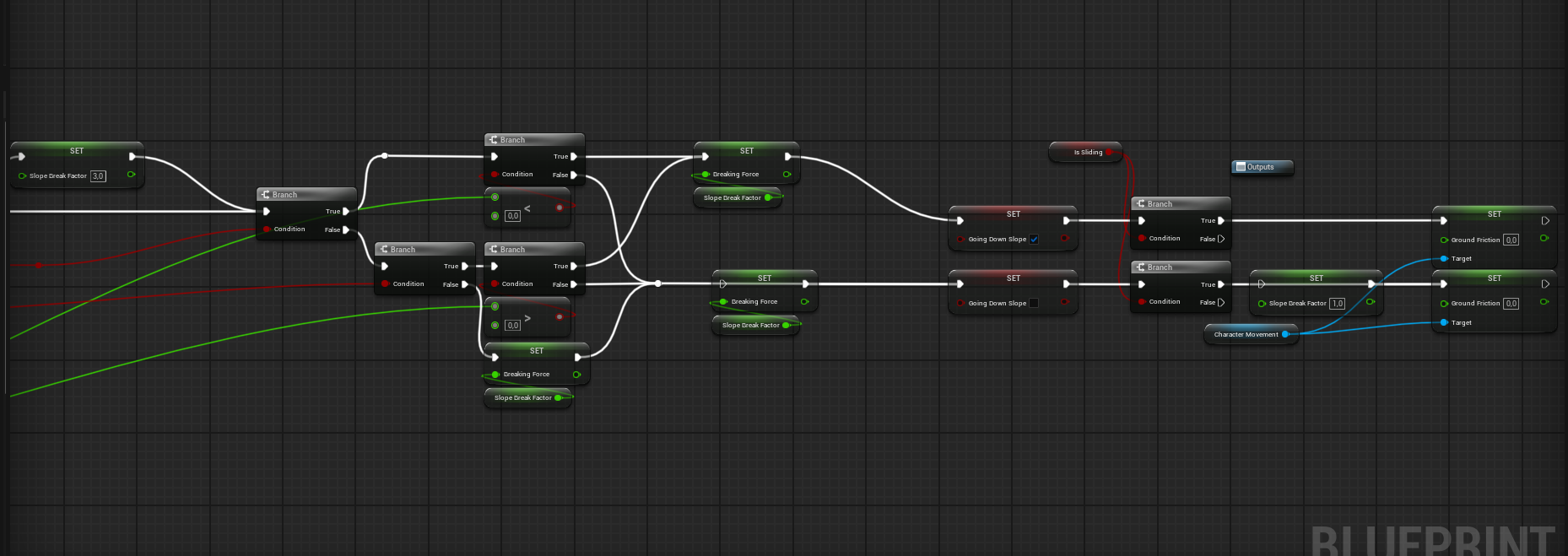
Currently what determines the speed of the slide is the breakfactor, it is a float that changes its overall size depending if we're currently sliding along a slope, a flat surface or against a slope. Default is against a flat surface, but if we slide and enter into a slope, the break factor changes dynamically and allows us to keep on sliding. Same thing if slide from flat surface, into a upwards slope, causing us to
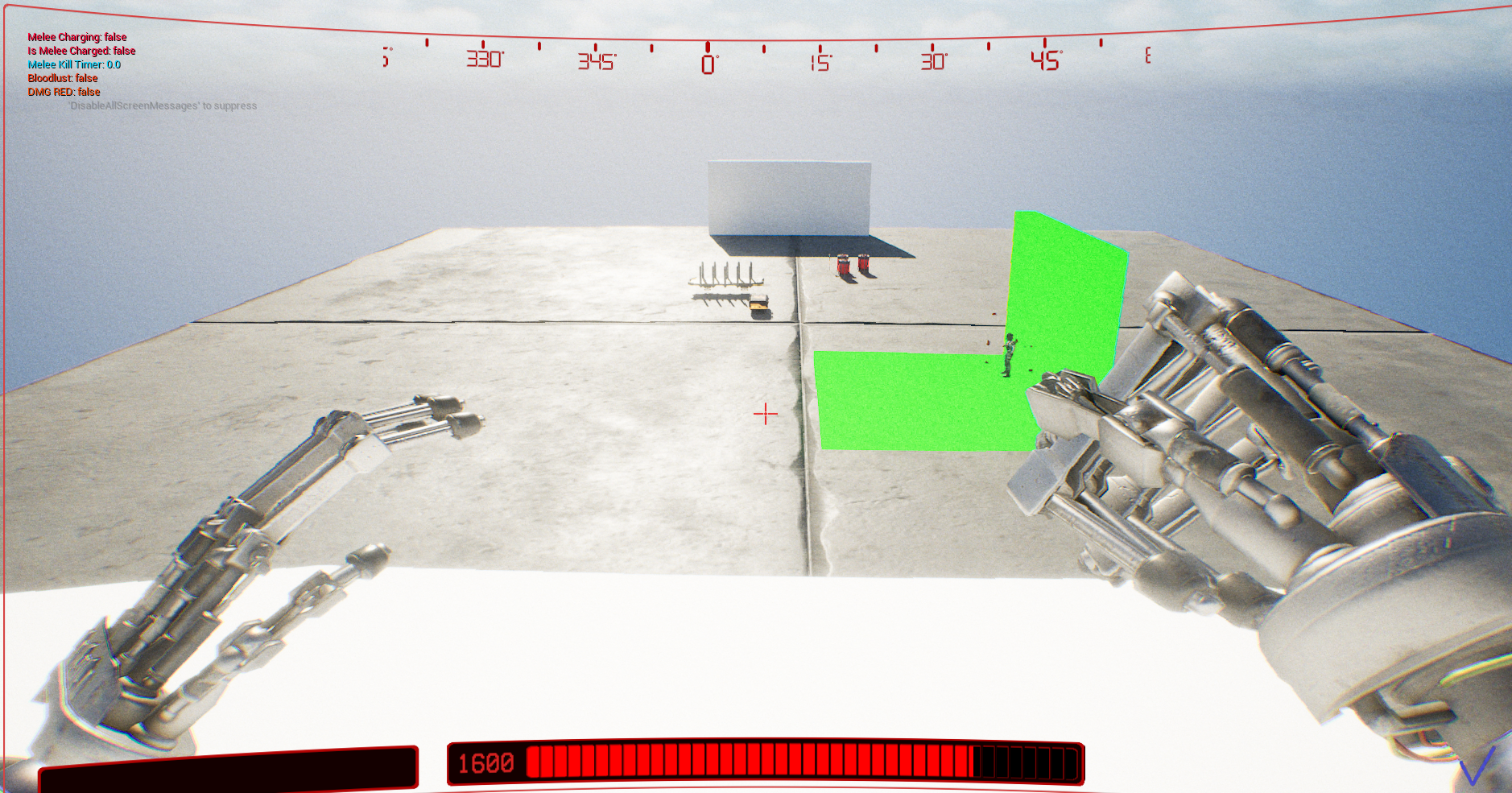 Slide Showcase
Weeeee!
Slide Showcase
Weeeee!
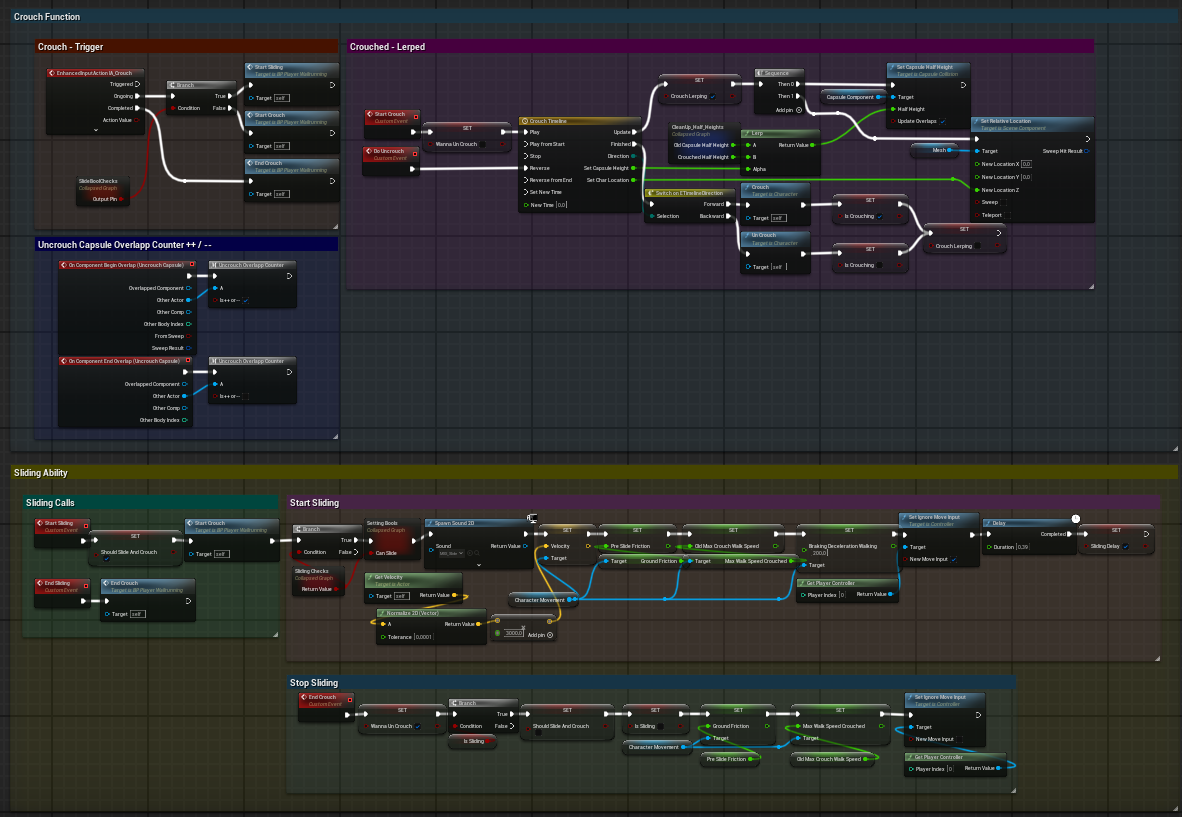 Sliding and crouching Blueprint
Blueprint
Sliding and crouching Blueprint
Blueprint
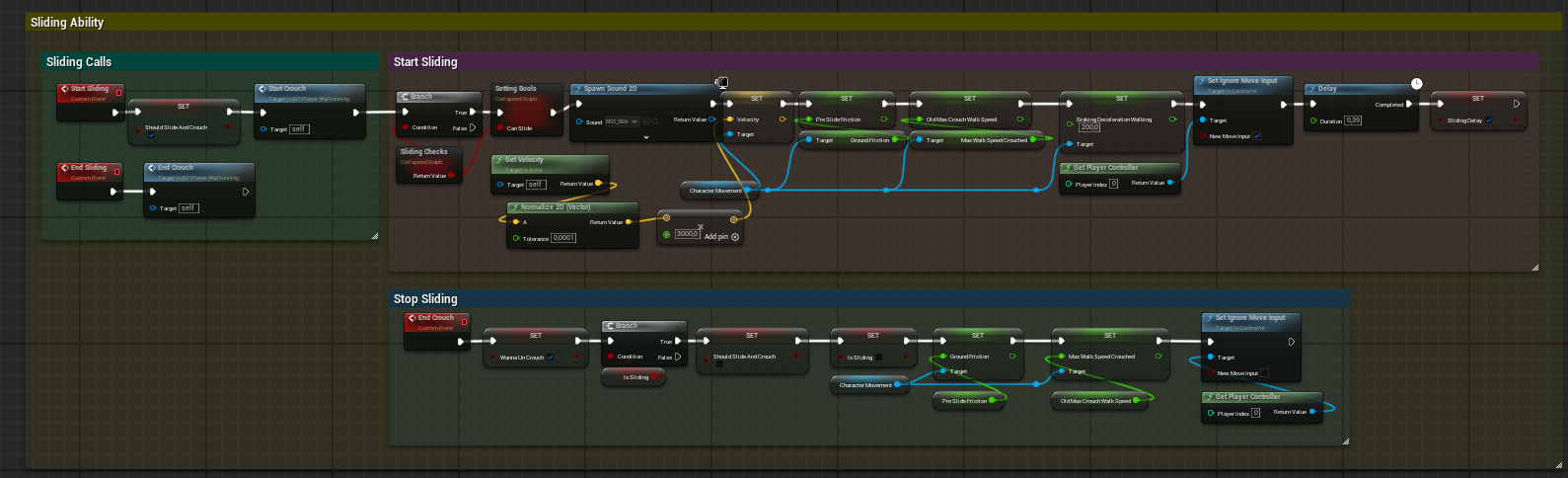 Sliding
Blueprint
Sliding
Blueprint
 Jumping
Blueprint
Jumping
Blueprint
 Overlap check
Capulse cast
Overlap check
Capulse cast
 Slopecheck 1
Event tick based
Slopecheck 1
Event tick based
 Slopecheck 2
Event tick based
Slopecheck 2
Event tick based
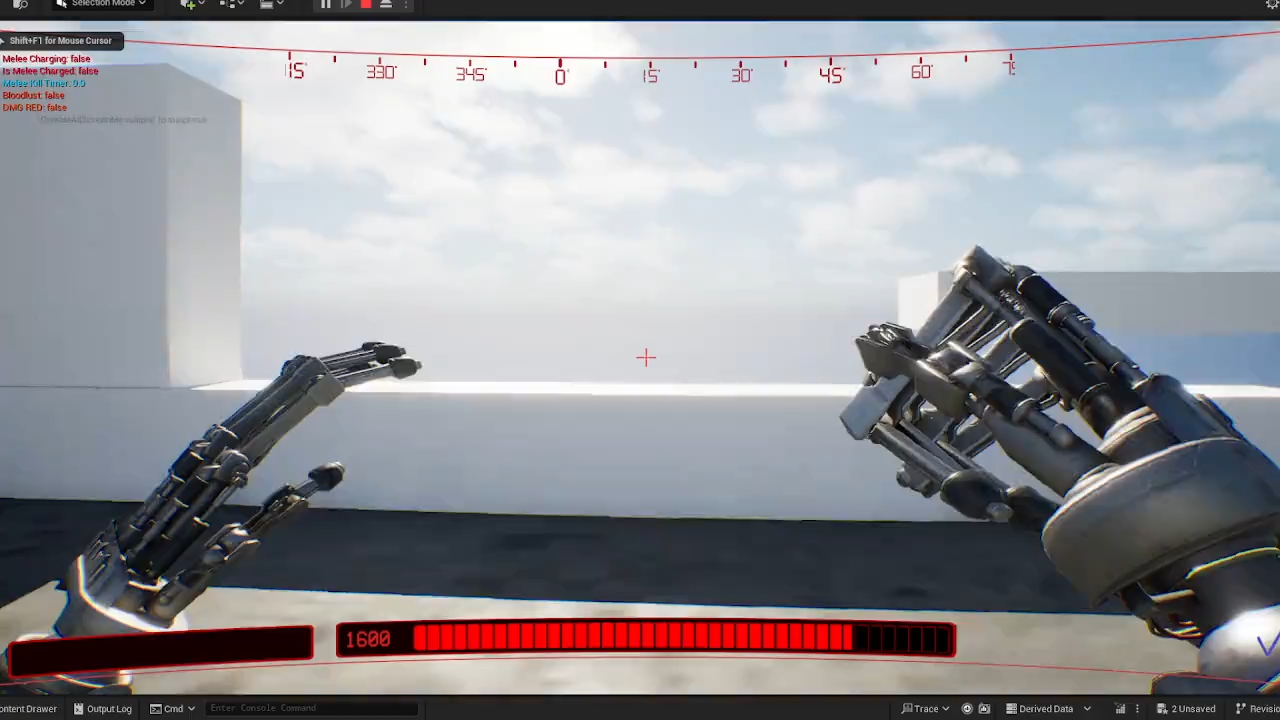
Vaulting works on two principles. The first is casting a sphere downward — doing so catches the top surface of a ledge regardless of its height, as long as it's within the maximum grab height defined by the top of the player's capsule. The second takes the hit location from that cast and fires another capsule cast roughly matching the player's size to check whether there's actually room to stand.
If the second cast finds no blocking hits, a dot product is run between the player's up vector and the ledge surface normal to confirm the surface isn't too steep to stand on. If all checks pass, the player's position is lerped toward the mantle target location. The speed and easing profile of that movement are fully tweakable inside the timeline.
 Vaulting Showcase
Grabbing dem ledges
Vaulting Showcase
Grabbing dem ledges
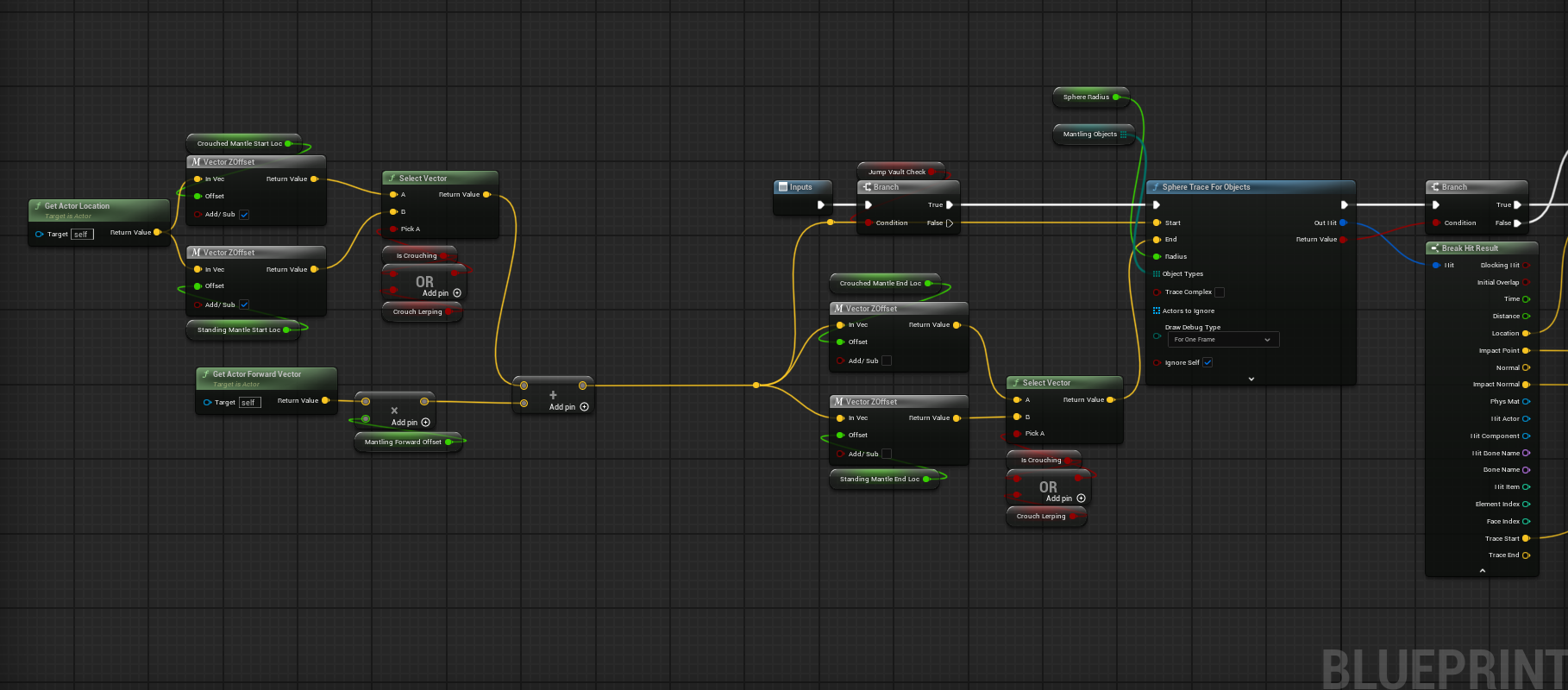 Vaulting BP 1
Blueprint
Vaulting BP 1
Blueprint
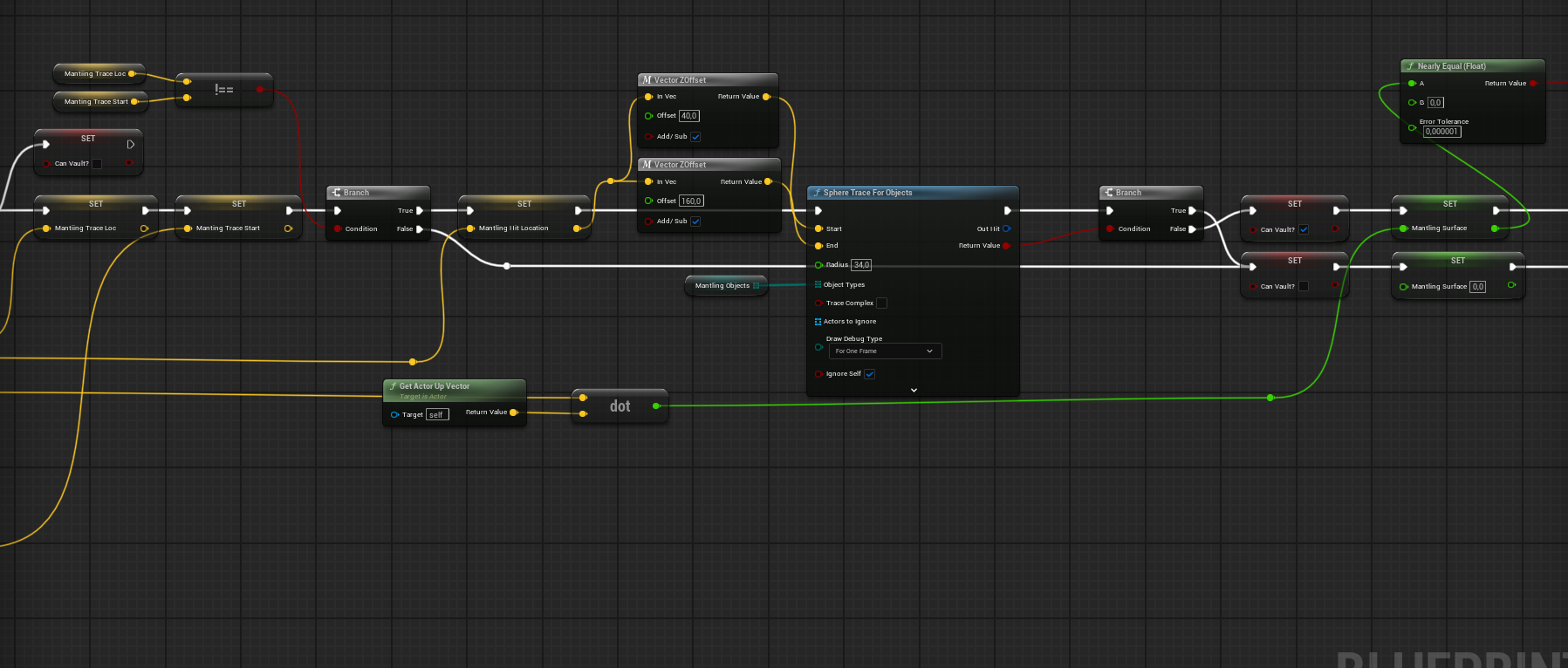 Vaulting BP 2
Blueprint
Vaulting BP 2
Blueprint
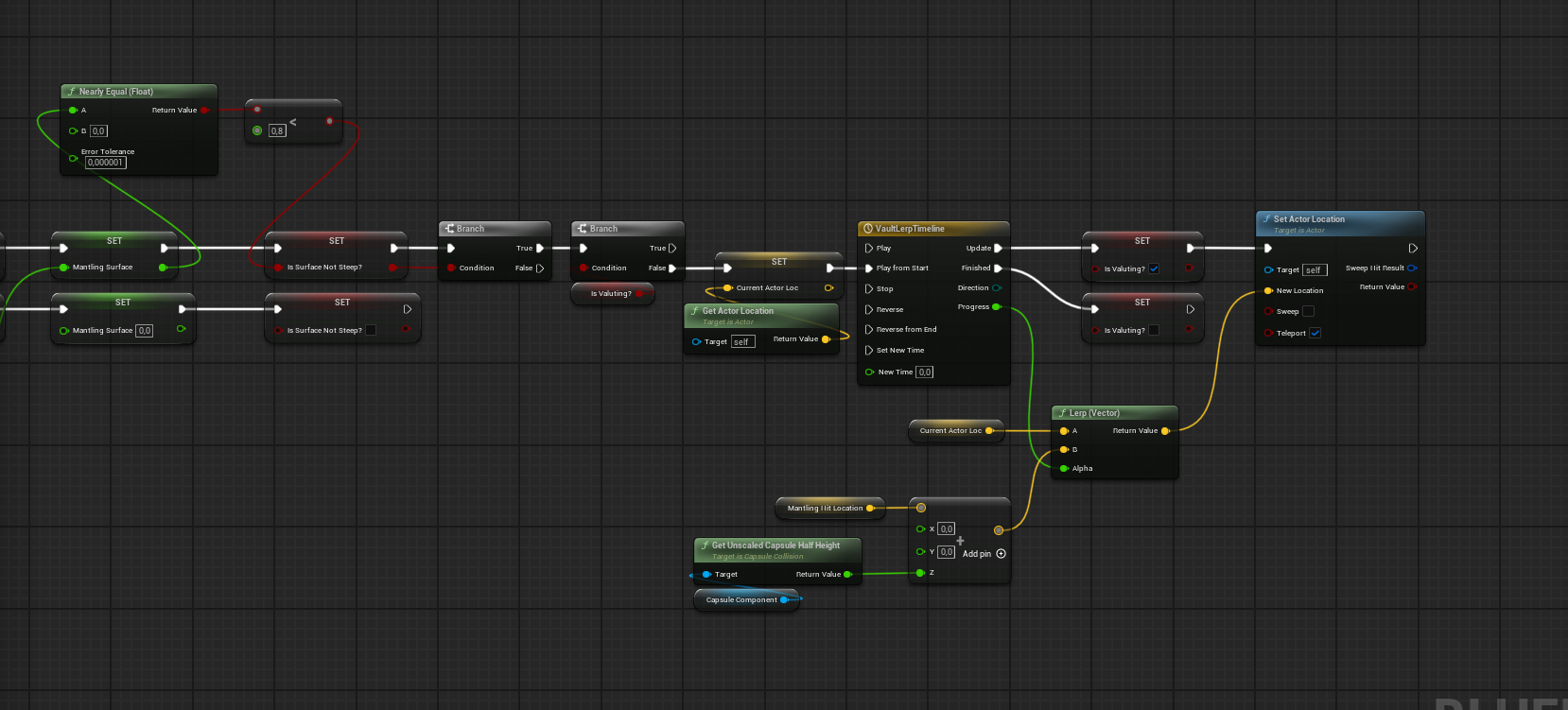 Vaulting BP 3
Blueprint
Vaulting BP 3
Blueprint
Media